Most viral TikTok phone-fix hacks do not work, and several of them will turn a small problem into an expensive one. Burying a wet phone in rice, buffing scratches with toothpaste, freezing a phone to "reset" the battery, or blasting a screen with a hairdryer are the trends we see backfire most often. Below is a plain breakdown of why each hack fails, what is actually happening inside your device, and the safe fix that solves the real problem.
The appeal is obvious: these clips promise a free, 30-second repair using things you already own. But a phone is a sealed stack of glued glass, lithium cells, and tiny solder joints. The "hack" usually treats a symptom while quietly damaging something else, and it can ruin your chances of a clean professional repair later. Here are the ones to skip.
Myth 1: A bag of rice will dry out a water-damaged phone
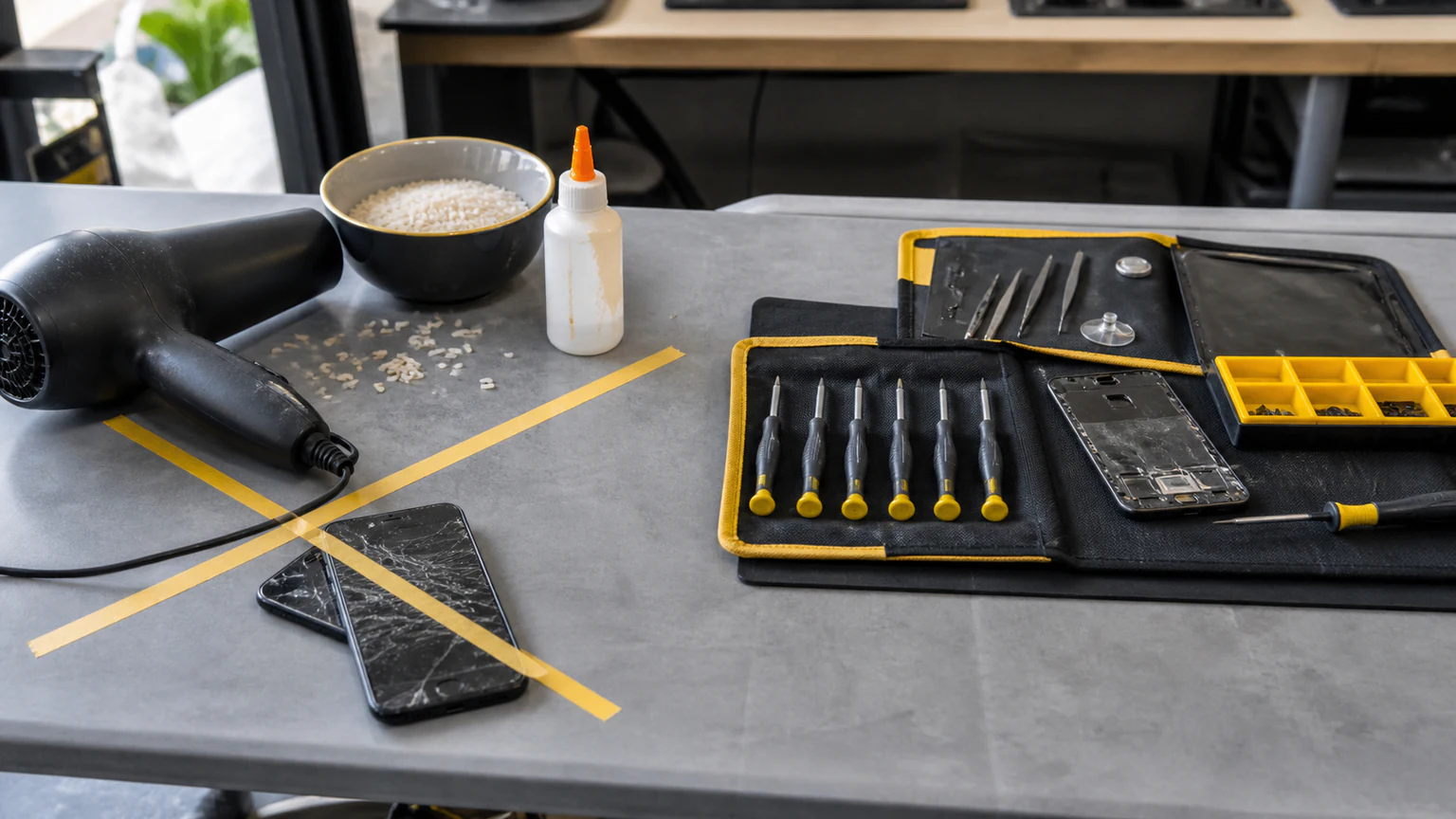
This is the most repeated phone myth online, and it is mostly wrong. Rice absorbs a little moisture from the air, but it cannot pull water out of the sealed inside of a phone, which is exactly where the damage happens. While the phone sits in that bag for two days, the real problem keeps going: minerals in the water corrode the logic board and short across contacts. Rice also sheds starch and dust, and loose grains can lodge in the charging port or speaker mesh.
What actually matters after a spill is fast, correct first aid. Power the phone off, do not charge it, do not press buttons to "test" it, and do not apply heat. Then get it to a technician who can open it, clean the board with the right solvents, and stop corrosion before it spreads. For the full step-by-step on what to do in the first ten minutes, read our guide on what to do when you drop your phone in water.
When the water is already inside, professional phone water damage repair is the real fix. Water jobs start with a $60 diagnostic that is credited toward the repair if you proceed, and parts are quoted after the technician inspects the board. Water damage is the one service we never quote for free, because the inspection is genuine hands-on work. The sooner the board is cleaned, the better the odds of saving your data and the device.
Myth 2: Toothpaste buffs scratches out of your screen
Toothpaste "works" because it is a mild abrasive, and that is exactly why you should not use it. Rubbing it across your display grinds down the oleophobic coating, the thin factory layer that repels fingerprints and lets your finger glide. Once that coating is gone, the glass looks cloudier, smudges faster, and feels rougher, so you have traded one shallow scratch for a permanently duller screen. Paste and moisture can also creep into the earpiece slot, front camera, and display edges.
Here is the reality: a scratch you can catch with a fingernail is in the glass itself, and no paste, baking soda, or car polish will fill it back in. Light hairline marks are cosmetic and are best left alone under a good screen protector. A deep scratch, a crack, or a scratch paired with dead touch spots means the glass or digitizer needs to be replaced, not polished. That is a job for professional phone screen repair, where the damaged glass is swapped for a new assembly and the touch layer is restored. Screen repair runs from $50, depending on model, and many are same-day when parts are in stock.
Myth 3: Freezing your phone fixes a bad battery
The freezer trend claims that chilling your phone "resets" a battery that drains too fast. It does the opposite. Lithium-ion batteries hate temperature extremes, and cold makes them deliver less current and can trigger sudden shutdowns. Worse, moving a phone from a cold freezer into a warm room causes condensation inside the housing, and that hidden moisture corrodes the same boards and connectors that water damage does. In effect, you are giving your phone a small internal spill to fix a battery problem.
A battery that drains fast, shuts down at 30 or 40 percent, or gets hot while charging is usually just worn out. Lithium cells degrade with every charge cycle, and after a couple of years the chemistry simply cannot hold what it used to. The correct fix is a proper phone battery replacement with a fresh, correctly rated cell, not a temperature trick. If your battery is swelling or lifting the screen away from the frame, stop using the phone and bring it in right away, because a swollen lithium cell is a real safety hazard.
Myth 4: A hairdryer or heat gun will fix a glitchy or bubbled screen
Plenty of clips show people heating a phone with a hairdryer, a heat gun, or even a lighter to "reset" dead pixels, clear screen bubbles, or press down a lifting display. Heat is one of the fastest ways to destroy a phone. Display adhesive softens and lets dust and moisture under the glass, LCD and OLED panels discolor or develop permanent blotches, and the battery, which sits directly behind the screen, can swell or fail when it gets too hot. A lighter can crack the glass outright through thermal shock.
Screen glitches, flickering, and bubbles are almost never fixed by heat. A software glitch is solved by a restart or a system update, while a lifting or bubbling screen means the adhesive or the panel itself is failing and needs to be reseated or replaced on a bench with controlled heat. If your display is flickering, showing lines, or peeling at an edge, that is hardware, and a proper screen repair is the safe route, not the appliance in your bathroom drawer.
Myth 5: DIY screen-replacement kits are just as good as a pro repair
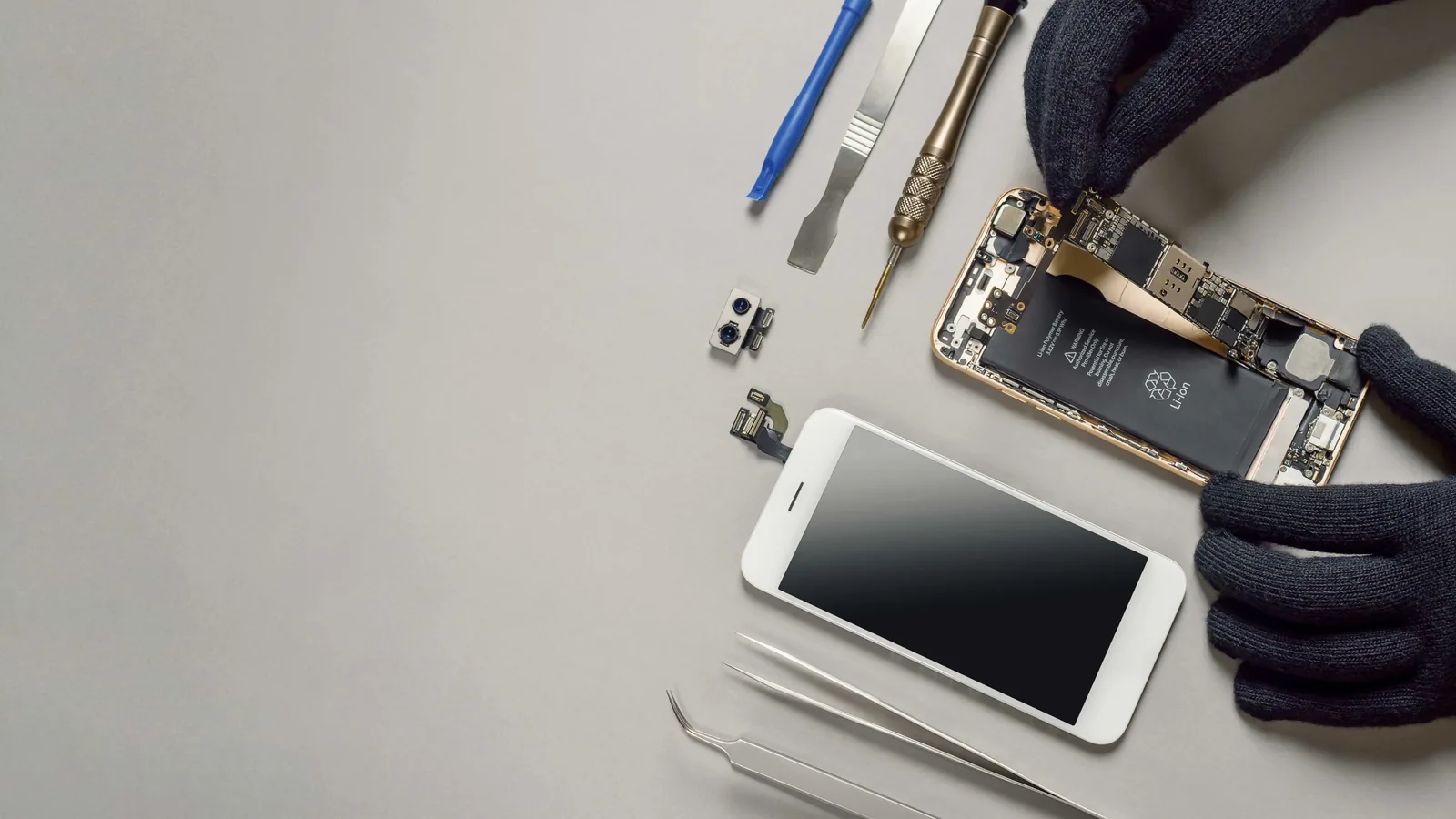
The cheap replacement kits sold online look tempting: a screen, a couple of picks, and a suction cup for a fraction of a shop price. What the video never shows is how often these end badly. Modern phones are sealed with strong adhesive and packed with fragile ribbon cables, so one slip can tear the digitizer flex, nick the battery, or crack the new glass on install. The aftermarket panels in most kits are lower quality, so colors look off, touch feels laggy, and features like True Tone or Face ID stop working. And once a phone has been pried open at home, any accidental damage you cause is on you.
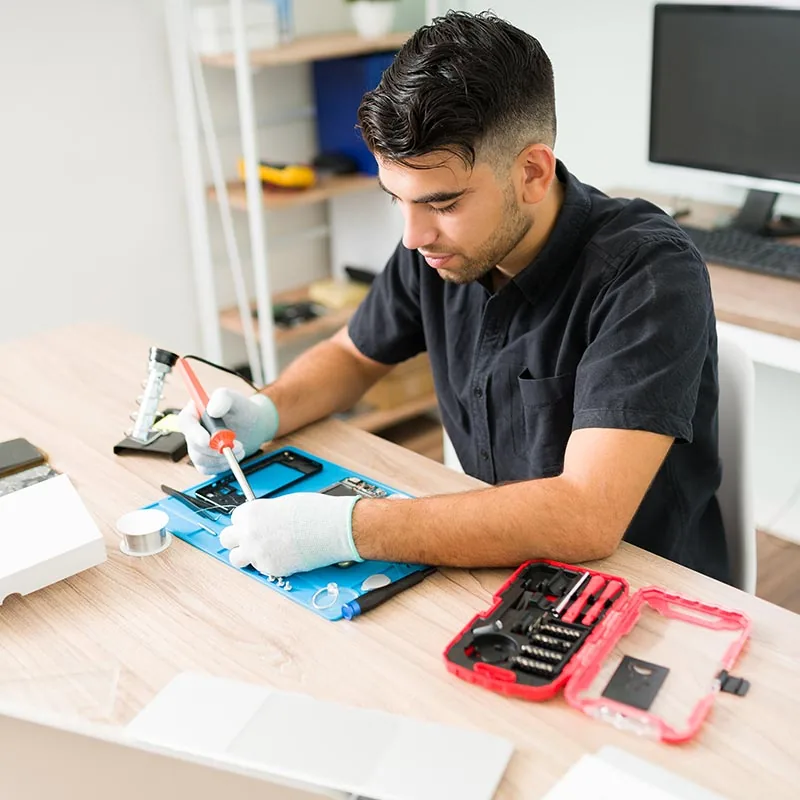
There is a real difference between a bench repair and a kitchen-table experiment: correct disassembly, the right adhesive, tested parts, and calibration afterward. A professional phone screen replacement also comes with a 1-year warranty on parts and labor (which does not cover new accidental or liquid damage after the repair), something no DIY kit gives you. If the goal is a screen that looks and works like new, the kit is usually the more expensive path once it goes wrong.
Bonus myth: Digging in the charging port with a pin will fix charging
When a phone stops charging, the port is often just packed with pocket lint. But jamming a needle, a safety pin, or another metal object into the port, as many videos show, can bend or snap the delicate connector pins, scratch the contacts, or short the circuit if the phone is powered on.
Turn the phone off and gently clear the port with a wooden or plastic toothpick, or a short burst of compressed air. If it still will not charge, the port or its solder connection may be damaged and needs professional phone charging port repair. It is a common, affordable fix, and far cheaper than a logic board damaged by a slipped pin.
Already tried one of these hacks? Do this now
If you have already tried a viral fix and something seems off, do not keep experimenting. Take these steps:
- Stop using the phone, especially if it was exposed to water, heat, or a freezer.
- Do not charge it until it has been inspected, since charging a wet or damaged phone can cause a short.
- Power it down to limit further damage.
- Bring it to a technician for a proper diagnostic before the problem spreads.
Most mistakes can still be corrected if the phone is looked at quickly. The longer corrosion, heat damage, or a torn cable sits, the more it costs to put right.
The safe way to fix your phone
Viral hacks are built for views, not for your specific device. For most issues a real diagnosis costs nothing and tells you exactly what is wrong before any money is spent (water damage is the exception, at a $60 diagnostic credited toward the repair). At URPhone Store, our technicians repair Apple, Samsung, Google Pixel, OnePlus, LG, Motorola, and more across our three Orlando locations, and most repairs are same-day when parts are in stock. Every parts-and-labor repair is backed by a 1-year warranty (which does not cover new accidental or liquid damage after the repair).
Skip the rice and the toothpaste. If your phone needs help, Call (321) 300-2023 or book a repair online and let a trained tech fix it right the first time.