Diagnostic
A technician runs a full diagnostic to find the cause, because the right fix depends on the real fault, not the symptom.
Slow, Frozen, or Glitching Phones
Phone software troubleshooting helps fix a slow, frozen, glitching, or stuck phone, often without replacing any parts. At URPhone Store, a technician starts with a diagnostic to find the real cause before any fix begins. A diagnostic-led start matters because a software fault and a hardware fault can look the same from the outside. Software diagnostics are available at all three of our Orlando locations.
How Diagnostics Work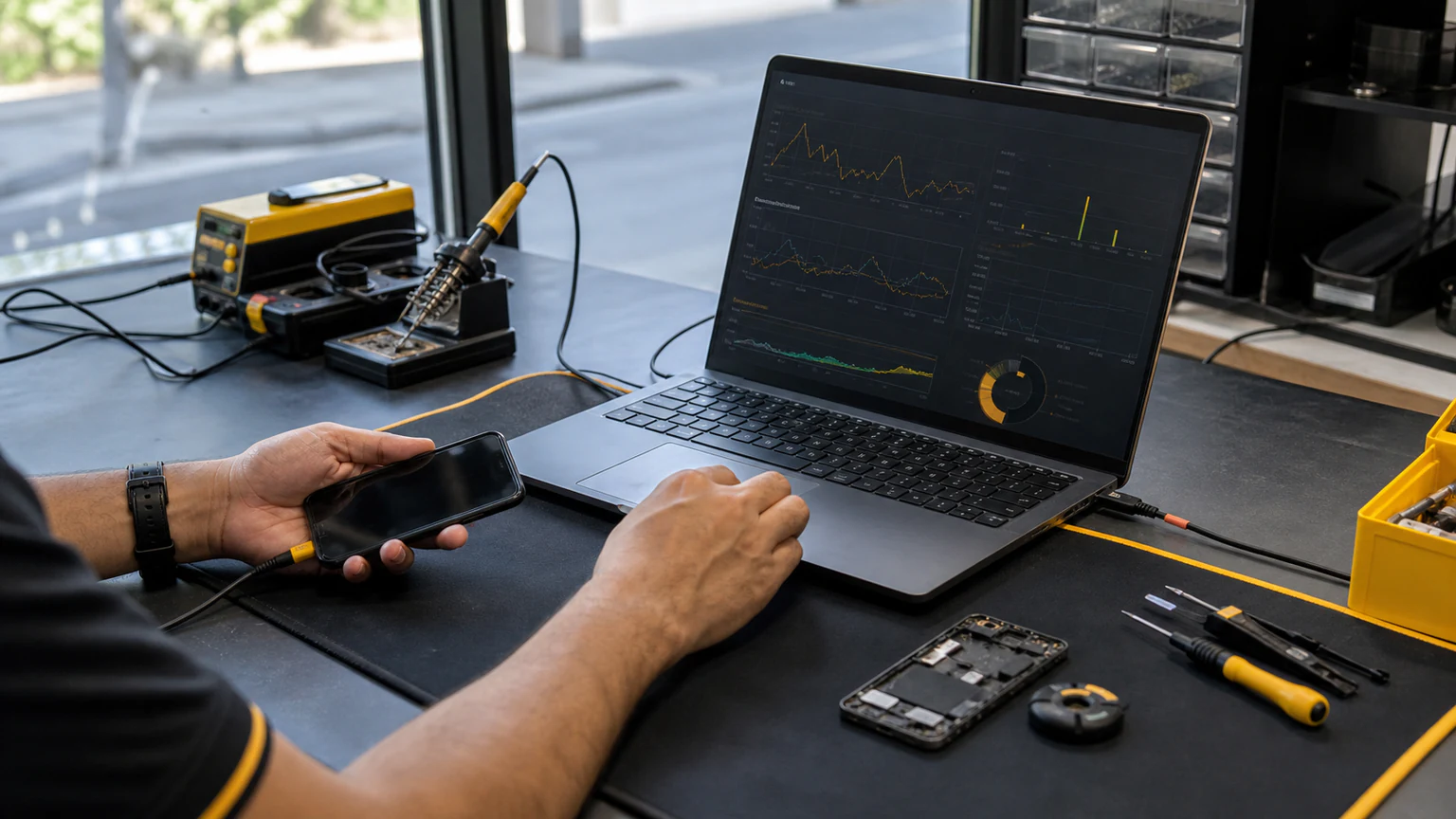
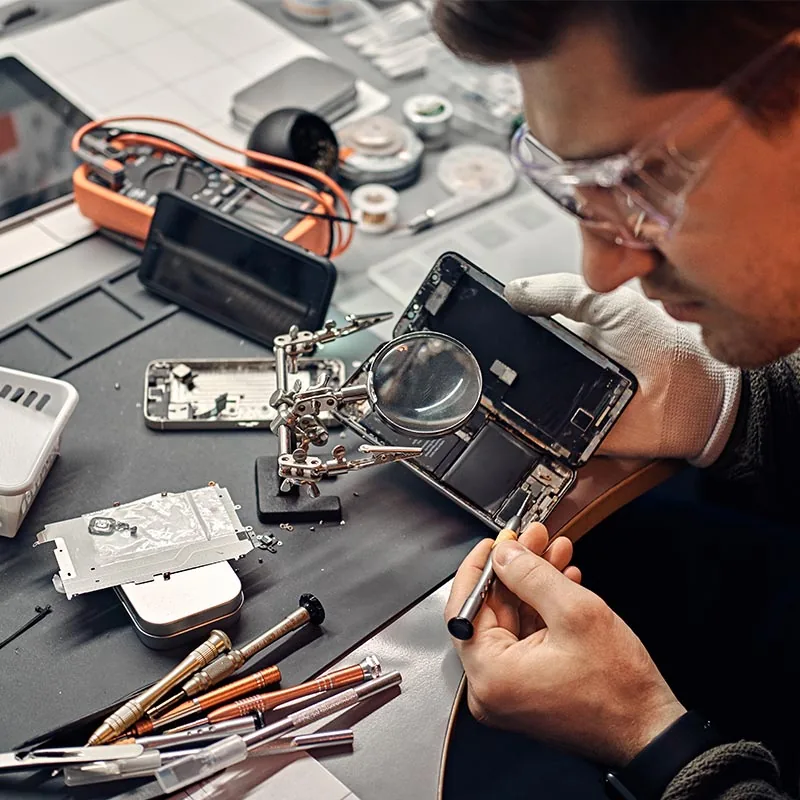
Software Problems We Fix
Many performance problems trace back to common software faults: full internal storage, a failed update, a misbehaving app, corrupted system files, or settings that slow the phone down. Tap a problem to see what it looks like and how we fix it.
Some symptoms turn out to be hardware rather than software. Read why a phone can suddenly become slow for checks to try before visiting, then see how we assess software and hardware below.
Know the Difference
How do we tell a software problem from a hardware problem? We run a diagnostic that isolates the fault before we quote any work.
A software fault sits in the operating system, the apps, or the settings, so it can usually be fixed without new parts.
Where it lives
A hardware fault sits in a physical component, such as the battery, the charging port, or the screen, so it needs a parts repair instead.
Where it lives
When a software symptom turns out to be a hardware fault, we tell you before any work starts and move it to the right repair. You can see those hardware repairs across our wider cell phone repair service, or go straight to the common ones below.
Every repair we do, software or hardware, starts the same way: a diagnostic. Here is what that looks like.
Simple & Transparent
Every phone software troubleshooting job follows five steps, so you know the cause and the cost before we proceed.
A technician runs a full diagnostic to find the cause, because the right fix depends on the real fault, not the symptom.
We explain in plain terms what is wrong and whether it is software or hardware.
We give you a clear quote or estimate and an expected timeframe before any work begins, so there are no surprise charges.
We carry out the agreed repair and test the phone to confirm the problem is resolved.
You collect the phone once the work is done. Hardware repairs and any replacement parts we install carry our 1-year warranty on parts and labor (does not cover new accidental or liquid damage after the repair). Software troubleshooting is different, because a fixed issue can return from a new app, an update, or a changed setting, so we explain what we did and what to watch for.
You can start any of these steps at any of our three Orlando locations.
Visit Us
URPhone Store handles phone software diagnostics at all three Orlando locations, with the full range of repair work on hand at each store.
4783 Raleigh St, Orlando, FL 32811
243 E Michigan St, Orlando, FL 32806
5135 International Dr Ste 0, Orlando, FL 32819
Each location provides walk-in repair service, device diagnostics, and access to phone parts and accessories.
Good to Know
Get your slow, frozen, or glitching phone checked at one of our three Orlando locations. We diagnose the fault first, tell you whether it is software or hardware, and give you a clear quote or estimate before any work begins.