A slow computer is almost always fixable, and most of the time you can speed it up yourself in under an hour without spending a cent. The usual culprits are too many startup programs, a nearly full drive, dozens of background apps and browser tabs, malware, or aging hardware like a mechanical hard drive or too little memory. This guide walks through the fixes in order for both Windows and Mac, starting with the quick wins, then shows you how to tell when the problem is hardware that needs an upgrade rather than software you can clean up.
Work through the steps from the top and re-test after each one, because most people never reach the bottom of the list. A restart, a startup cleanup, and some free disk space are usually enough. When they are not, the last sections explain exactly what is worth upgrading and where to get it done in Orlando if the fix is beyond DIY.
Why is my computer so slow?
Most slowdowns come down to a short list of causes:
- Too many programs launching at startup and running in the background
- A hard drive that is nearly full, which both Windows and macOS need room to work
- A slow mechanical hard drive (HDD) instead of a solid-state drive (SSD)
- Not enough RAM for the apps and browser tabs you keep open
- Malware or adware, or a browser hijacked by unwanted extensions and toolbars
- Overheating from dust-clogged vents, which forces the processor to slow itself down
- An operating system or drivers that are out of date
- On laptops, a worn battery or aggressive power-saving settings
The first several are software and maintenance issues you can fix yourself in the steps below. The last stretch of this guide covers the hardware cases, where an SSD, a memory upgrade, or professional malware removal is the real answer.
Start here: restart and update
Before anything else, do these two things. They resolve a surprising share of slowdowns on their own.
- Restart the computer. Not sleep, not log out, a full restart. It clears memory, closes stuck background processes, and finishes pending updates. If your machine runs for weeks between restarts, this alone can bring it back to life.
- Install pending updates. On Windows, open Settings, go to Windows Update, install everything, and restart again. On a Mac, open System Settings, then General, then Software Update. Updates carry performance and driver fixes, and a half-finished update can drag the whole system down.
Re-test. If the computer is still slow, follow the section for your operating system below.
How to fix a slow computer on Windows
Work through these in order and re-test as you go.
- Cut down startup programs. Right-click the taskbar, open Task Manager, and click the Startup apps tab. Disable anything you do not need the moment you log in, such as updaters, chat apps, and manufacturer utilities. This is the single biggest win on most Windows PCs.
- Close background apps and browser tabs. In Task Manager, open the Processes tab and sort by CPU, then by Memory, to see what is eating resources. Close what you are not using. A browser with 30 open tabs can use more memory than every other app combined.
- Free up disk space. Windows slows down when the system drive is nearly full. Open Settings, then System, then Storage, turn on Storage Sense, and use the cleanup recommendations to clear temporary files. Uninstall programs you no longer use from Settings, then Apps. Aim to keep at least 10 to 15 percent of the drive free.
- Run a malware scan. Open Windows Security, choose Virus and threat protection, and run a full scan. Malware and adware are a very common hidden cause of slowdowns. If the scan finds something it cannot remove, make a note, because that is a case for professional cleanup.
- Tame your browser. Remove extensions you do not recognize or use, clear the cache, and reset the browser to defaults if the home page or search engine changed on its own. Browser bloat is one of the most common reasons a computer feels slow day to day.
- Check your hardware. In Task Manager, open the Performance tab. Under Memory you can see how much RAM you have and how much is in use, and if you sit near 100 percent with normal use, you likely need more. Under Disk, Windows shows whether your drive is an SSD or an HDD. A mechanical HDD is the number-one reason an otherwise fine PC feels sluggish.
If your PC is still slow after all six steps, the problem is probably hardware, so skip to the hardware section below.
How to fix a slow Mac
Macs slow down for the same reasons as PCs, just with different menus.
- Manage login items. Open System Settings, then General, then Login Items, and remove apps you do not need at startup. Review the Allow in the Background list below it and switch off anything unfamiliar.
- Find what is hogging resources. Open Activity Monitor from Applications, then Utilities. Check the CPU and Memory tabs and quit apps near the top that you are not using. Watch the Memory Pressure graph at the bottom, and if it is often yellow or red, you are short on RAM.
- Free up storage. Go to System Settings, then General, then Storage. macOS gets sluggish when the drive is nearly full. Use the recommendations to empty the trash automatically, offload large files, and remove apps you no longer use.
- Update macOS. Confirm you are on the latest version under Software Update, then restart.
- Reset your browser. In Safari or Chrome, remove unknown extensions, clear the cache, and confirm your home page and search engine were not changed by adware.
- Scan for malware. Macs are not immune. If the machine slowed down suddenly, started showing pop-ups, or a browser was hijacked, run a reputable malware scanner.
Most Macs bounce back after these steps. If yours is still slow, the memory or the drive is the limiting factor.
Overheating and dust
If your computer is slow specifically when it works hard, during gaming, video, or heavy multitasking, and the fans get loud, it may be overheating and throttling itself to cool down. Make sure the vents are not blocked, use the machine on a hard surface rather than a bed or lap, and blow the dust out of the vents and fans with a can of compressed air. Laptops that have never been cleaned can lose noticeable performance to dust alone. If cleaning does not help and the fans still roar, the cooling system or thermal paste may need service.
When it is hardware, not software
If you have worked through the steps above and the computer is still slow, you have most likely hit a hardware limit. These are the four most common cases, and all four are fixable:
- A slow or failing hard drive. If your computer still uses a mechanical HDD, swapping it for an SSD is the single most dramatic upgrade you can make, and boot times and app launches often go from a minute to a few seconds. A drive that is also clicking, freezing, or throwing errors is failing and should be replaced before it dies completely.
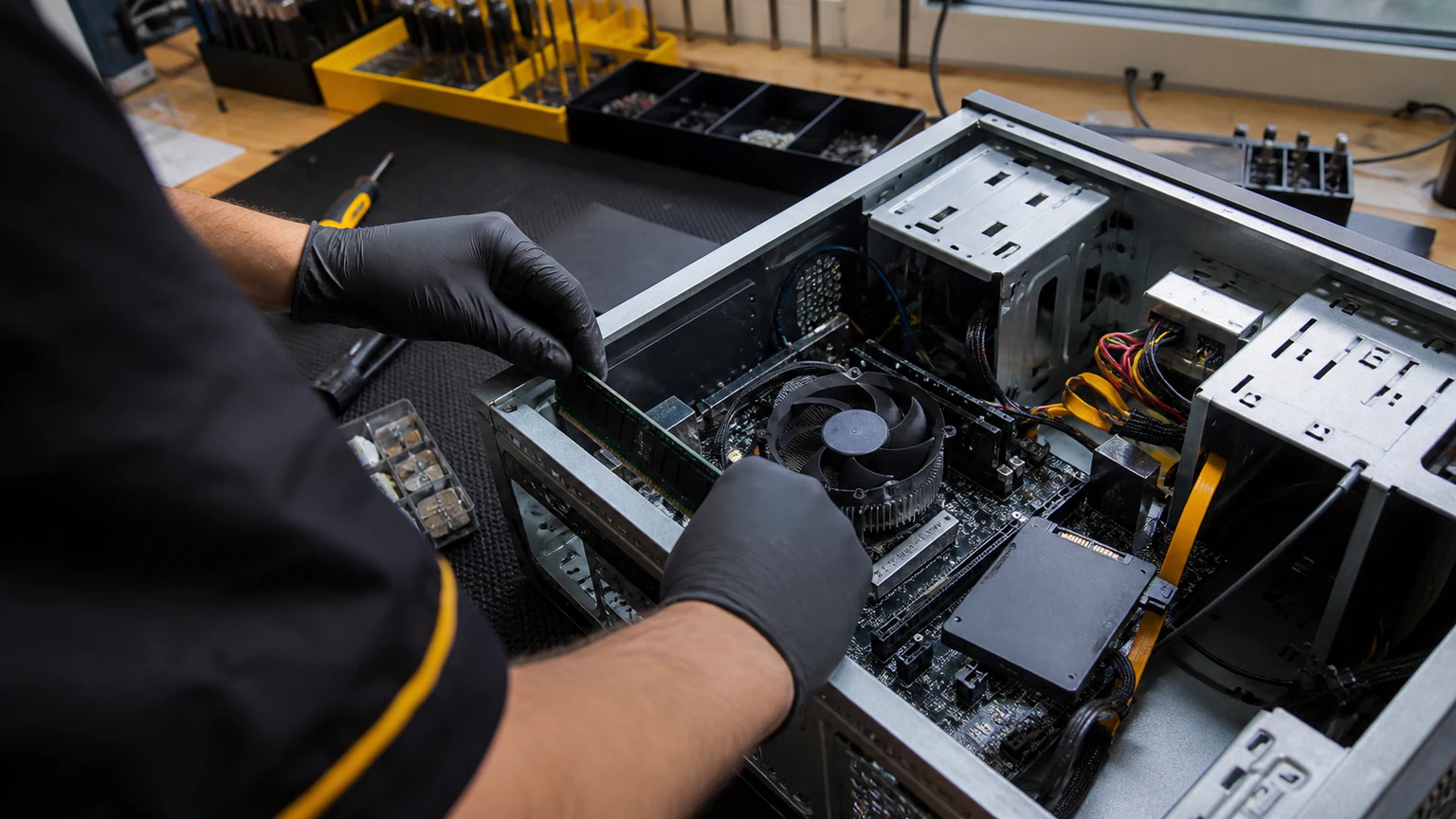
- Not enough RAM. If your memory sits near 100 percent on Windows, or memory pressure stays red on a Mac, during normal use, adding RAM lets you run more apps and browser tabs without the system crawling.
- Malware that will not clear. If a scan keeps finding infections, the browser stays hijacked, or the machine is still crippled after a cleanup attempt, the infection may be deeper than consumer tools can reach and needs professional removal.
- A worn laptop battery. A battery at the end of its life can cause sudden shutdowns and force aggressive power-saving that throttles performance. A fresh battery restores full speed away from the wall.
Upgrading a drive to an SSD or adding memory is usually the best-value repair a computer can get, far cheaper than replacing the whole machine, and often the difference between a device that feels old and one that feels new.
Get computer repair in Orlando
If the fix is beyond DIY, whether that is a failing drive, an SSD or RAM upgrade, malware you cannot clear, or a laptop battery that no longer holds, URPhone Store offers computer repair in Orlando at all three locations. Our technicians handle virus and malware removal, RAM and SSD upgrades, computer battery replacement, computers that will not boot, and general slow-performance diagnosis for both Windows PCs and Macs.
The diagnostic is free. Bring the computer in, we tell you exactly what is slowing it down, and you get a quote before any work starts. Same-day service is available when parts are in stock, and repairs come with a 1-year warranty on parts and labor (does not cover new accidental or liquid damage after the repair). You can see everything we work on across phones, tablets, and computers on our repair services page.
Ready to speed things up? Call (321) 300-2023 or book online. We are open Mon-Sat 9 AM-9 PM and Sun 10 AM-9 PM at all three Orlando stores.