To fix your phone, start by matching the symptom to the fix, because "my phone is broken" can mean a dozen different problems with a dozen different answers. A restart and a software update clear a surprising number of glitches in under two minutes and cost nothing. Beyond that, the smart move is to pin down exactly what is wrong - a cracked screen, a dying battery, a dead charging port, water damage, no call audio, or software acting up - and go straight to the fix for that symptom instead of guessing.
This guide is a triage map for both iPhone and Android. Each section below covers one common problem, tells you what you can safely try yourself, and points you to the right repair when the fix is beyond a home remedy. If you would rather skip the self-diagnosis, our phone repair in Orlando team will identify the fault for free and tell you what it needs. Start with the basics, then jump to your symptom.
Start With the Basics
Before you assume the worst, run these quick checks. They resolve a large share of everyday phone problems and take only a few minutes.
On an iPhone:
- Restart it. Hold the side and volume buttons, slide to power off, wait 30 seconds, then turn it back on. This alone clears many temporary glitches.
- Update iOS. Go to Settings > General > Software Update and install anything pending. Updates patch bugs that cause freezing, crashing, and battery drain.
- Free up storage. Open Settings > General > iPhone Storage. A phone that is nearly full slows down and misbehaves; clear space and retest.
On Android:
- Power cycle. Hold the power button and choose Restart, or press power plus volume down if the screen is frozen.
- Check for updates. Open Settings > Software Update (or System > System update) and install the latest version.
- Clear space and cache. Remove unused apps and clear the cache of any app that keeps crashing under Settings > Apps > [App name] > Storage.
If the problem survives a restart, an update, and a bit of free storage, it is time to match it to one of the symptoms below.
Cracked or Unresponsive Screen
A cracked, black, flickering, or unresponsive display is the most common phone problem there is. If only the glass is scratched and the touch still works, you can keep using it carefully, but a spidered screen spreads, cuts fingers, and lets in dust and moisture that reach the internals. Dead spots, black bars, lines, or a touch that ignores you usually mean the digitizer or the display panel underneath has failed.
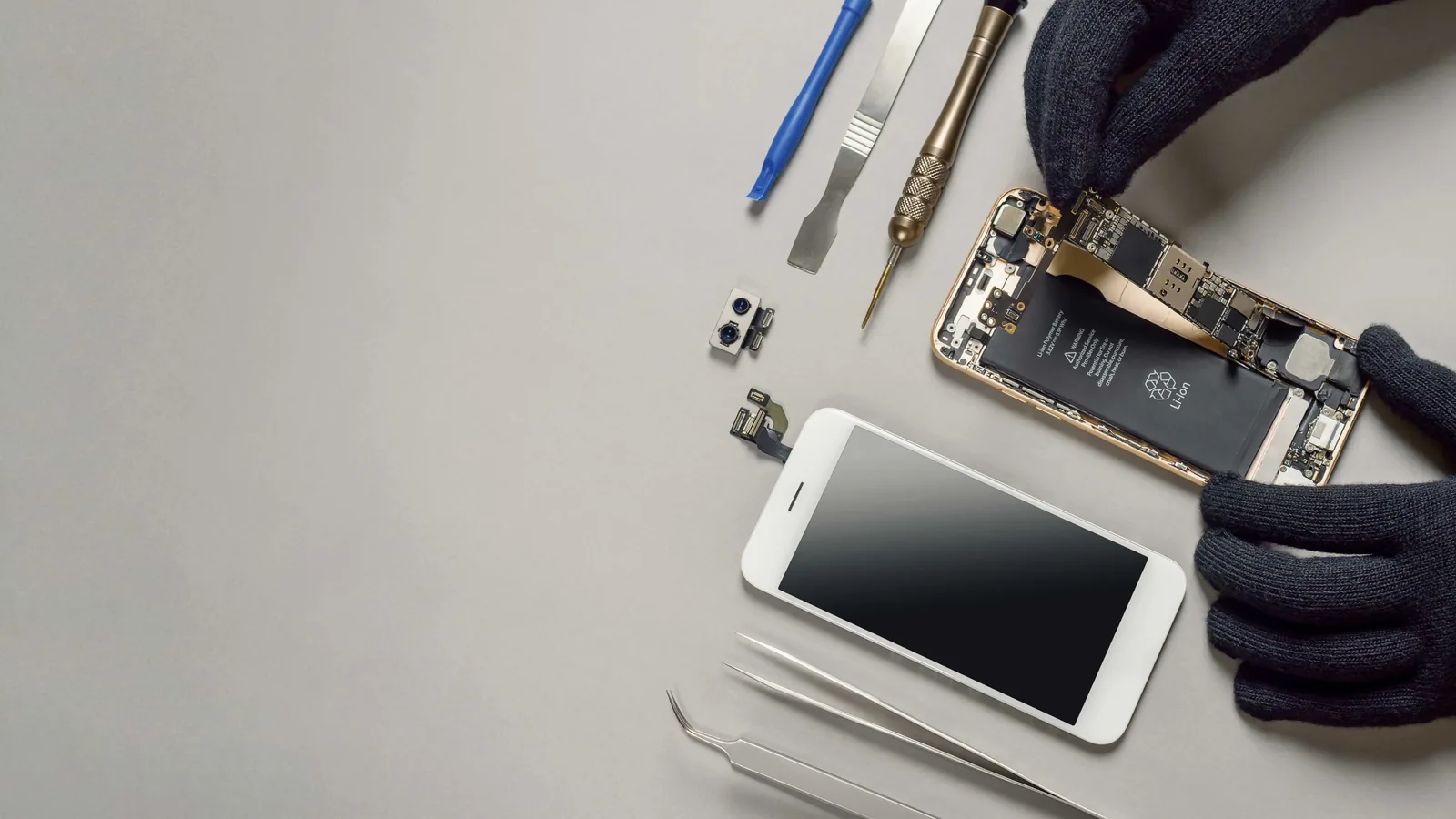
Screen replacement is not a good DIY project on a modern phone. The cheap glue-on kits sold online replace only the top glass, not the fused display assembly, and prying the phone open risks the battery, the seals, and the delicate flex cables. This is a job for a technician with the right parts and tools. Our phone screen repair service fixes cracked and unresponsive displays, and our iPhone repair team in Orlando handles Apple screens, True Tone, and Face ID, starting from $50, depending on your model.
Battery Drains Fast or Will Not Hold a Charge
If your phone dies by lunchtime, shuts off at 20 or 30 percent, gets hot while idle, or the back is bulging, the battery is the likely culprit. Lithium batteries wear out after a few years and hundreds of charge cycles, and a tired one throttles performance to compensate, which can also make the whole phone feel slow.
Check the health first. On an iPhone, open Settings > Battery > Battery Health and Charging; if Maximum Capacity is below 80 percent or you see a "Service" message, the battery is due for replacement. On Android, battery-health reporting varies by brand, but fast drain, random shutdowns, and heat are the same warning signs. A swollen battery that lifts the screen or back is a safety issue - stop using the phone and get it checked right away. Our phone battery replacement service installs a fresh battery from $40, depending on your model, usually the same day when parts are in stock.
Phone Will Not Charge
A phone that will not charge is more often the charger or the port than the battery. Before you panic, change one thing at a time: try a known-good cable, a different wall adapter, and another outlet, since a frayed cable is the number-one cause of a "dead" phone. Then look straight into the charging port in good light. Lint packs in over months and blocks the cable from seating; with the phone powered off, gently lift it out with a wooden or plastic toothpick, never metal.
If a known-good charger still does nothing and the port looks clean, or the cable only works at a certain angle, the port itself is likely worn or damaged. For a full step-by-step walkthrough, read our guide on why an iPhone is not charging. When the fix is hardware, our charging port repair service diagnoses it for free and repairs most phones from $50, depending on your model.
You Dropped It in Water
If your phone went in water, act fast: power it off, do not plug it in, do not aim heat at it, and skip the bag of rice, which does nothing for water sealed against the board. Take off the case, pop out the SIM tray, blot it dry, and stand it port-down so gravity pulls the water out. The real enemy is corrosion, which starts eating the logic board within minutes and keeps spreading long after the outside feels dry, so a phone can seem fine for days and then quietly fail.
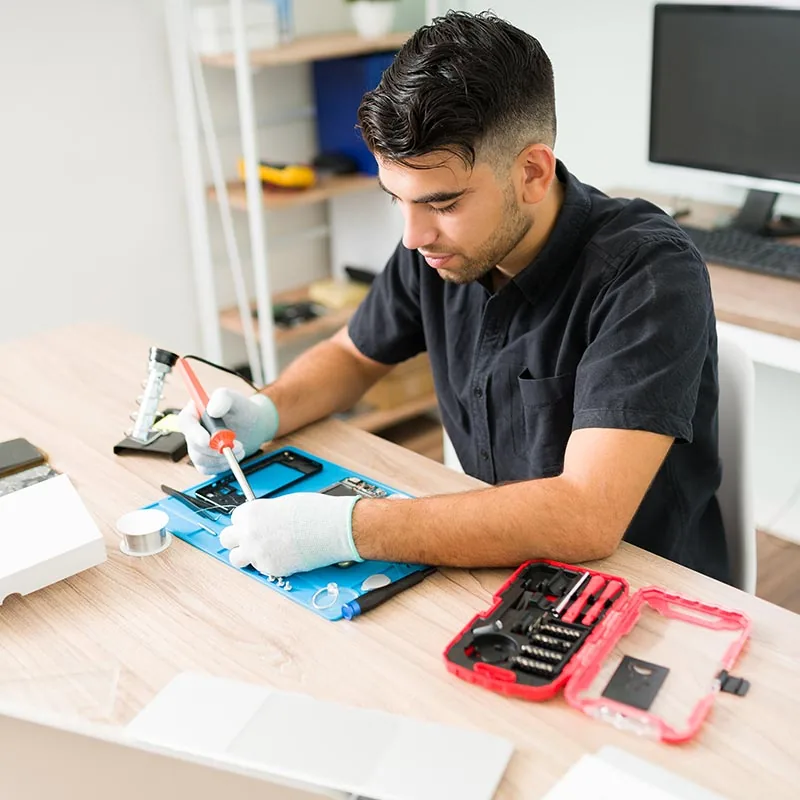
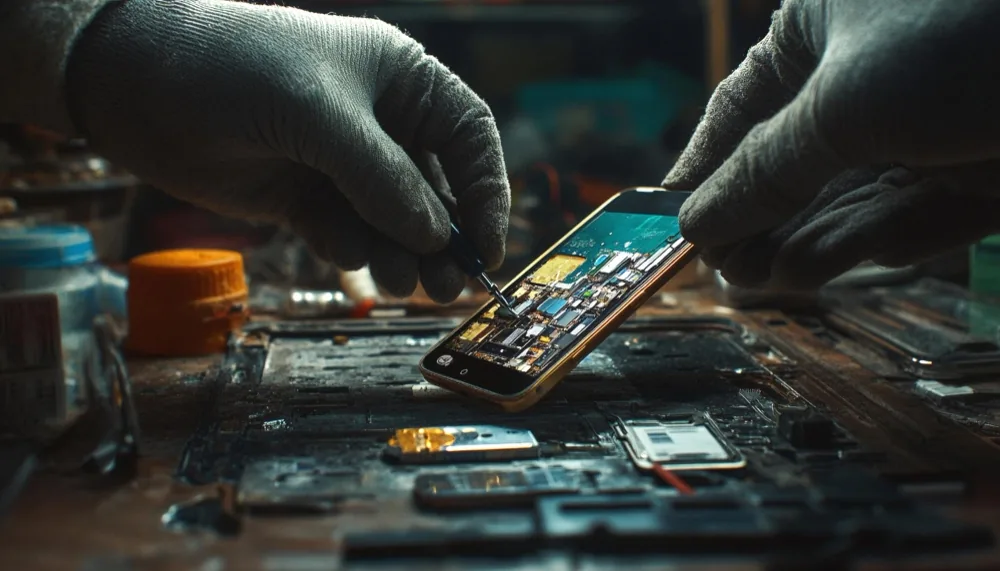
The only reliable fix is opening the device and cleaning the corrosion off the board, which is not a home job. Our full guide on what to do when you drop your phone in water covers the first-hour steps in detail. When it needs a professional, our water damage repair service carries a $60 diagnostic, credited toward the repair if you proceed, with parts quoted after inspection - water damage is never diagnosed for free, because a wet phone has to be opened before anyone can honestly price it.
No Sound on Calls or Muffled Audio
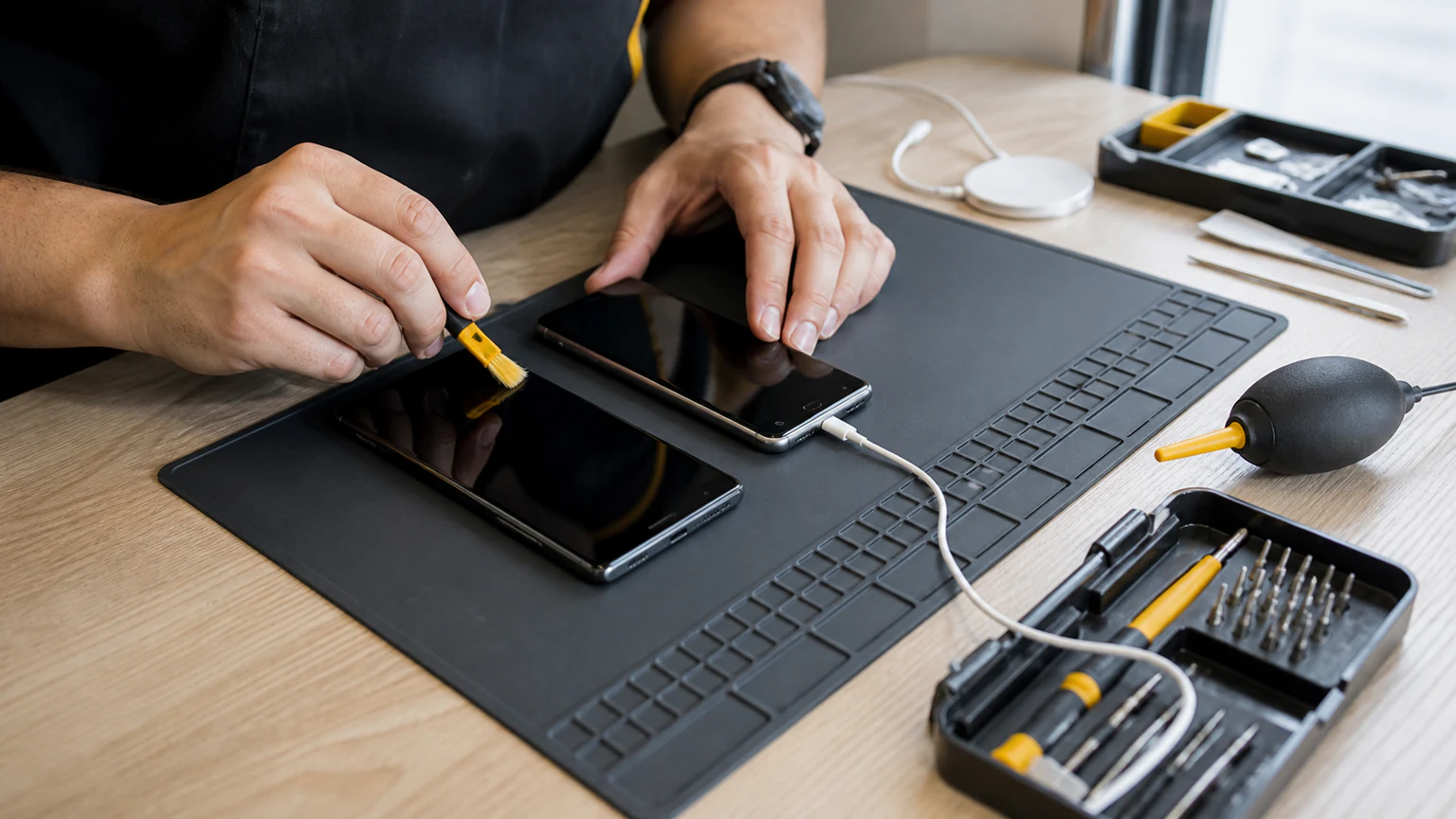
If you cannot hear callers, they cannot hear you, or audio is crackly and muffled, start with the simple causes. A paired Bluetooth headset, watch, or car stereo often hijacks call audio, so switch Bluetooth off completely and try again. Remove the case in case its lip covers the earpiece, then gently clean the earpiece, loudspeaker, and microphone mesh with a soft brush or dry cotton swab - never a pin, which tears the mesh. A restart and a software update clear many audio-routing glitches too.
If the earpiece, loudspeaker, or microphone stays silent after all of that, the part has likely failed, often after a drop or a spill. Muffled sound right after the phone got wet is a classic water-damage symptom, not just a dirty speaker. Our phone speaker repair service covers dead earpieces, loudspeakers, microphones, and the audio chip faults that follow drops and moisture, from $50, depending on your model and the part.
Freezing, Crashing, or Running Slow
When the hardware is fine but the phone freezes, crashes, or crawls, the fault is usually software. Start with the app: if one program keeps crashing, delete and reinstall it on iPhone, or clear its cache on Android under Settings > Apps > [App name] > Storage. For system-wide glitches on an iPhone, Reset All Settings (Settings > General > Transfer or Reset iPhone) restores defaults without erasing your data. A full factory reset is the last resort - back everything up first, because it wipes the device.
Connectivity trouble lives here too. If Wi-Fi or Bluetooth will not connect, toggle it off and on, then reset network settings (Settings > General > Transfer or Reset on iPhone, or Settings > System > Reset on Android). If a phone stays slow, crashy, or glitchy after a reset - or you would rather not wipe it yourself - our software troubleshooting and performance service diagnoses the cause, whether it is a rogue app, a failed update, malware, or an aging battery throttling the processor.
When to Bring It to URPhone Store
Plenty of phone problems are fixable at home with a restart, an update, a new cable, or a good cleaning. When the fault is hardware - a shattered screen, a worn battery, a dead port, water damage, or a silent speaker - that is where a repair shop earns its keep. At URPhone Store, our phone repair team diagnoses the problem, tells you exactly what it needs, and fixes most issues the same day when parts are in stock.
We service Apple, Samsung, Google Pixel, OnePlus, LG, Motorola, Nokia, TCL, Revvl, Xiaomi, and Redmi, and we are 4.9-star rated across our 3 Orlando locations. Diagnostics are free on every issue except water damage, which is a $60 diagnostic credited toward the repair. Every fix is backed by our 1-year warranty on parts and labor (does not cover new accidental or liquid damage after the repair), and all three stores are open Mon-Sat 9 AM-9 PM and Sun 10 AM-9 PM, with walk-ins welcome.
Not sure which problem you are dealing with? Bring it in and we will tell you for free. Book a Repair online or Call (321) 300-2023 and we will get your phone working again.