Dropped your phone in water? Power it off right away, do not plug it in to charge, do not aim heat at it, and get it professionally dried and cleaned as fast as you can. Those first few minutes usually decide whether the phone lives or dies. The instinct to grab a bag of rice or press the power button to "check if it still works" is exactly what turns a recoverable splash into a dead logic board.
This guide walks through what to do (and what to avoid) in the moments after your phone gets wet, why the most popular home remedies make things worse, what "drying" a phone actually involves, and the point at which professional cleaning stops being optional. Water damage is one of the most common problems we see at URPhone Store, and the outcome almost always comes down to how the first hour was handled.
Water-Resistant Is Not Waterproof
Most modern smartphones, including recent iPhones, Galaxy flagships, and Pixels, carry an IP67 or IP68 rating. That sounds reassuring until you read the fine print. Those ratings are earned in clean, still, fresh water under controlled lab conditions, usually for around 30 minutes at a set depth. They are not a promise that your specific, months-old phone will survive a real-world dunk.
Water resistance also fades with time. Every drop, every charging cycle, every temperature swing, and every year of age wears down the seals and adhesive that keep liquid out. A two-year-old phone does not seal the way it did on day one. Just as important, IP ratings are tested with plain fresh water. They say nothing about hot water, soapy shower water, salt water, or chlorinated pool water, all of which slip past the gaskets far more easily.
Once liquid gets inside, the water itself is not the real enemy. Corrosion is. Minerals, salt, and chlorine begin oxidizing the tiny solder joints and copper traces on the logic board within minutes, and that chemical reaction keeps going long after the surface feels dry. Salt water and pool water are the most aggressive; a quick splash of tap water is the most survivable. Either way, the clock starts the second the phone goes in, which is why speed beats every clever trick you have heard.
What to Do in the First 10 Minutes
Work through these steps in order. Do not stop to look things up or test features. Just move fast.
- Get it out and power it off. Pull the phone from the water immediately and turn it off. Shut it down properly if you can, or force it off. Every second it stays powered on with water inside raises the odds of a short circuit that fries components.
- Do not plug it in. Charging a wet phone pushes electrical current across wet contacts, and that is one of the fastest ways to destroy the charging port or the board. No wall charger, no wireless pad, nothing.
- Strip it down. Take off the case, pop out the SIM tray and any microSD card, and unplug every cable or accessory. Opening these doors lets trapped water escape and gives air a path to the inside.
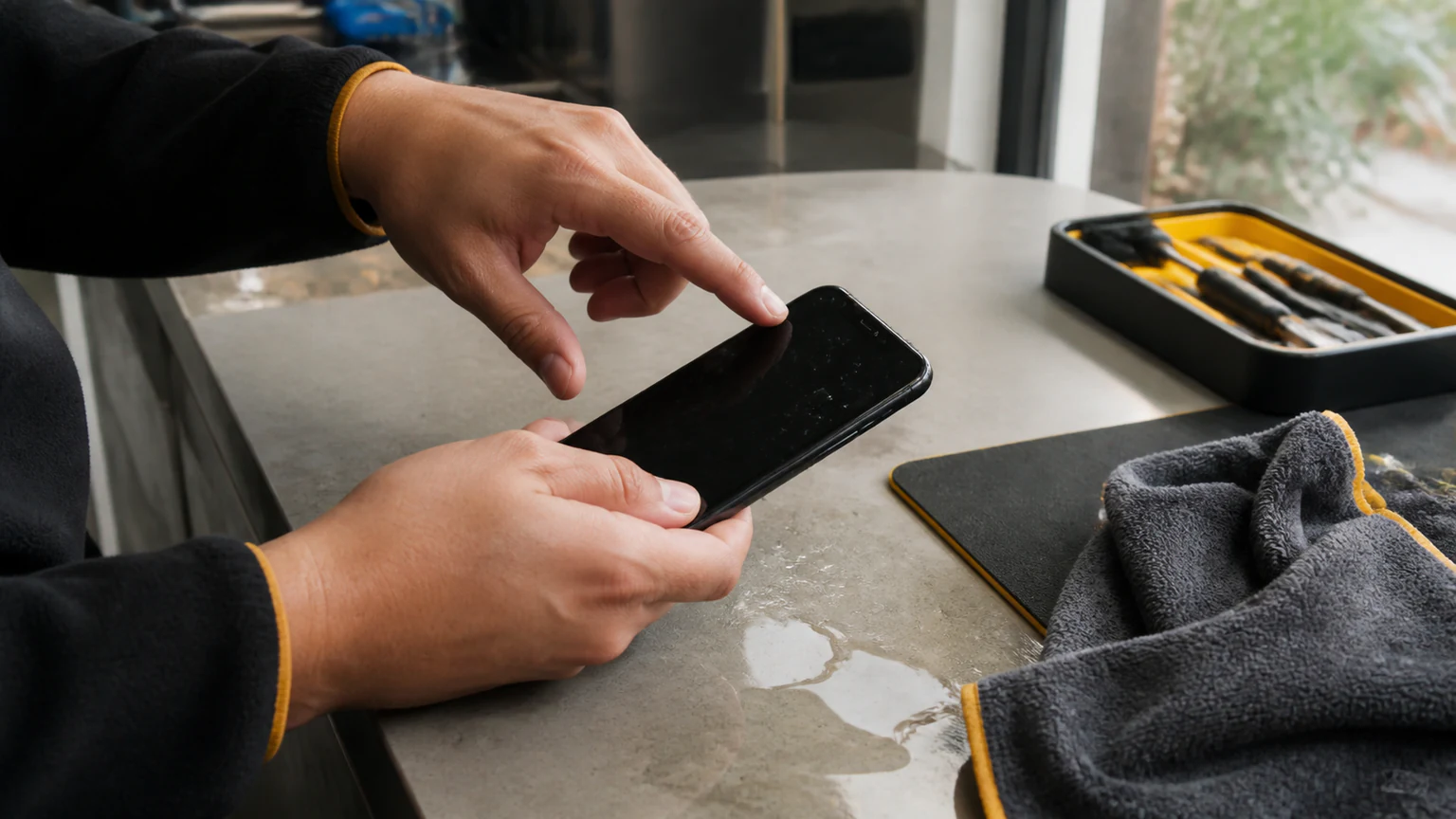
- Blot, do not rub. Wipe the outside gently with a microfiber cloth or paper towel. Do not shake the phone hard and do not blow into the ports. Both push water deeper into the device instead of drawing it out.
- Let it drain, ports down. Stand the phone upright or lay it screen-up with the charging port pointing down, so gravity pulls water away from the display and out through the openings.
- Leave it off. Resist the urge to power it on to "see if it works." Booting a wet phone is a test it usually fails, and each attempt sends current through circuitry that is still soaked.
- Get it to a technician. The sooner a professional opens it, cleans it, and halts the corrosion, the better your odds. This single factor, how quickly the phone is properly cleaned, matters more than anything you do at home.
The theme running through all of this is simple: keep electricity away from wet circuits, and get the water out fast without forcing it deeper.
The Rice Myth, and Other Things That Make It Worse
The internet is full of confident water-damage advice. Most of it is wrong, and some of it is actively harmful.
Rice does not work
The bag-of-rice trick is the most repeated phone myth there is, and it is close to useless. Rice can pull a little moisture off the outer surface, but it cannot reach the water sealed inside the chassis, it works far too slowly to beat corrosion, and it leaves starch dust and small grains lodged in the charging port and speaker mesh. While your phone sits buried in a bowl for two days, the board underneath is quietly corroding the whole time. You are not drying the phone; you are giving the damage time to spread.
Do not use heat
No hairdryer, no oven, no radiator, no microwave, no sitting it in direct summer sun on the dashboard. Heat can warp screen adhesive, swell or damage the battery, and melt internal components, and forced hot air simply drives moisture deeper inside instead of out. There is no version of "add heat" that helps a wet phone.
Do not charge it, and do not keep testing it
Every power-on and every charge attempt sends current through wet circuitry, which is precisely the condition that causes a short. And if the phone did turn back on and seems fine, that is not the all-clear you want it to be. It only means the short has not happened yet. Repeatedly checking whether it still works is one of the most common ways people finish off a phone that could have been saved.
Silica gel is better than rice, but it is not a repair
Those little "do not eat" packets that ship with new electronics absorb moisture far more effectively than rice. Sealing the phone in an airtight container with a handful of them for a day or two is a reasonable holding move if you genuinely cannot get to a shop. Be honest about its limits, though: it still will not remove water already trapped against the board, and it does nothing about corrosion that has already begun. It buys a little time, not a cure.
The Truth About Drying a Wet Phone
Here is the part most guides skip. Getting a phone dry on the outside is not the same as making it safe on the inside. Water wicks into the gaps under the screen, around the battery, and beneath the metal shields on the logic board, places where no amount of air-drying or rice or silica gel will reach it in time.
Leaving the phone powered off for 24 to 48 hours before you try it again is genuinely smart, and it beats rushing to switch it on. But time alone does not undo corrosion that is already eating into the connections. A phone can air-dry completely and still fail days or weeks later because oxidation kept spreading after the water was long gone. That delayed failure, working fine on Monday and dead by Friday, is one of the most common water-damage patterns we see at the shop. People assume they got away with it, then the phone quietly dies on its own schedule.
The only way to actually stop the process is to open the device and physically clean the residue and corrosion off the board. Everything you do at home is damage control to buy time until that happens.
Signs Your Phone Has Water Damage
After a soaking, watch for any of these symptoms:
- It will not power on, or it only powers on while plugged in
- The battery drains unusually fast, or the phone runs hot for no reason
- The screen is black, dim, flickering, or shows discoloration and lines
- Speaker, earpiece, or microphone audio is muffled, crackling, or dead
- It will not charge, or it charges only at certain cable angles
- Fog or moisture is visible under the camera lens or behind the screen glass
- The phone reboots on its own, locks up, or behaves erratically
Any one of these after contact with liquid points to internal moisture or corrosion. It is worth a professional inspection even if the rest of the phone seems to be working normally, because the early symptoms are often mild right up until the moment they are not.
When Professional Cleaning Is Required
For anything beyond a brief splash of clean tap water that you dried off instantly, professional cleaning is the realistic fix. It becomes clearly necessary when the phone went fully underwater, when the liquid was salt water, pool water, soda, coffee, beer, or anything sugary or corrosive, when the phone got wet and then would not turn on or started glitching, or when the internal liquid-contact indicators have already tripped.
The reasoning is straightforward: corrosion has to be physically removed, and it lives on the board in places your hands and household tricks cannot reach. In the shop, that means opening the device, inspecting the moisture indicators and components under magnification, and cleaning the board, often in an ultrasonic bath with a specialized solution, to strip away residue and oxidation before it spreads further. That is not a DIY job, and waiting it out in a bowl of rice is not a substitute for it. The longer corrosion is left in place, the more parts it takes down with it and the more expensive the eventual professional water damage repair becomes.
How URPhone Store Repairs Water-Damaged Phones in Orlando
If your phone took a dive, bring it to URPhone Store for professional water damage repair in Orlando. Here is how we handle it:
- Diagnostic and assessment. We open the device in a clean environment, check the liquid-contact indicators, and inspect the board and connectors under magnification to map exactly what the water reached. Water-damage diagnostics are $60, credited toward your repair if you proceed, and any parts are quoted after that inspection, because no one can honestly price a water-damaged phone without opening it first.
- Cleaning and corrosion removal. Using the right tools and solutions, we remove corrosion, clear residue, and dry the internals thoroughly. This is the step that actually stops the damage from spreading.
- Function testing. We test the screen, charging port, speakers, cameras, battery, and logic board to see what survived the water and what needs replacing.
- Repair or replace parts. If a component is beyond saving, we replace it and retest the phone as a whole. Straightforward repairs are often finished the same day when parts are in stock; heavily corroded boards can take longer, and we will tell you what we are seeing before we go further.
We service water-damaged devices across the brands people actually carry, including Apple, Samsung, Google Pixel, OnePlus, LG, Motorola, Nokia, TCL, Revvl, Xiaomi, and Redmi, and our iPhone repair team handles water-logged Apple devices daily. Completed repairs are backed by our 1-year warranty on parts and labor (which does not cover new accidental or liquid damage after the repair). Our three Orlando-area stores are open Mon-Sat 9 AM-9 PM and Sun 10 AM-9 PM, and walk-ins are welcome, no appointment needed.
If the inspection turns up heavy board damage, the next question is often whether the fix is worth it at all. Our guide on whether it is cheaper to fix a phone or replace it walks through that math so you can decide with real numbers.
Every hour counts with liquid damage. Call (321) 300-2023 or book a visit and get your phone looked at today. The faster we can stop the corrosion, the more of your device, and your data, we can save.