A water-damaged phone needs fast, calm handling: turn it off, leave it off, resist the urge to charge it, and get it to a repair technician before corrosion sets in. Whether your phone slipped into a sink, took a dip in a pool, or got soaked during a Florida afternoon downpour, the first minutes and hours after the spill decide how much of your device and your data you can save. This guide covers exactly what to do, what to avoid, and what professional water-damage repair actually involves, so you can act quickly instead of guessing.
Why Water Is So Dangerous Inside a Phone
It is easy to assume a modern phone can shrug off a splash. Many recent models carry an IP67 or IP68 water-resistance rating, which means they are built to survive brief, shallow submersion in clean fresh water under lab conditions. Real life is messier. That rating is not the same as waterproof, and it says nothing about pool chlorine, salt water, soda, coffee, or soapy dishwater, all of which are far more corrosive than tap water.
Water resistance also fades with age. The adhesive seals and gaskets that keep moisture out wear down over months and years, and a single hard drop or an earlier screen repair can break the seal completely. So the phone that survived a splash last summer may not be sealed at all today.
Once liquid gets past those seals, two things happen. First, water conducts electricity, so it can create short circuits between components that are never meant to touch. Second, and more quietly, the minerals and salts dissolved in the water stay behind after the liquid evaporates. Those deposits keep drawing in moisture and slowly corrode the tiny solder joints, connectors, and traces on the logic board. That is why a phone can seem fine for a day or two and then start failing later: the corrosion is still spreading.
First Steps After Your Phone Gets Wet
Speed matters here. The goal is to cut power and stop water from reaching more of the internals. Work through these steps in order:
- Power it off immediately and leave it off. A running phone is pushing electricity through wet circuits, which is exactly how permanent short-circuit damage happens. Shut it down and resist the urge to switch it back on to check whether it still works.
- Do not plug it in or charge it. Sending power into a wet charging port is one of the fastest ways to fry the board. Keep the phone away from the charger and any power source.
- Do not press buttons, shake it, or tilt it around. Pressing keys and shaking the phone can push water deeper into areas it has not reached yet. Keep any movement gentle.
- Remove the case, SIM tray, and any memory card. Taking these off opens up trapped pockets of water and lets the outside dry. On the rare phone with a removable battery, take the battery out too.
- Wipe the outside dry with a soft, lint-free cloth. Gently blot the exterior, ports, and seams. Do not jam anything into the ports to reach the water inside.
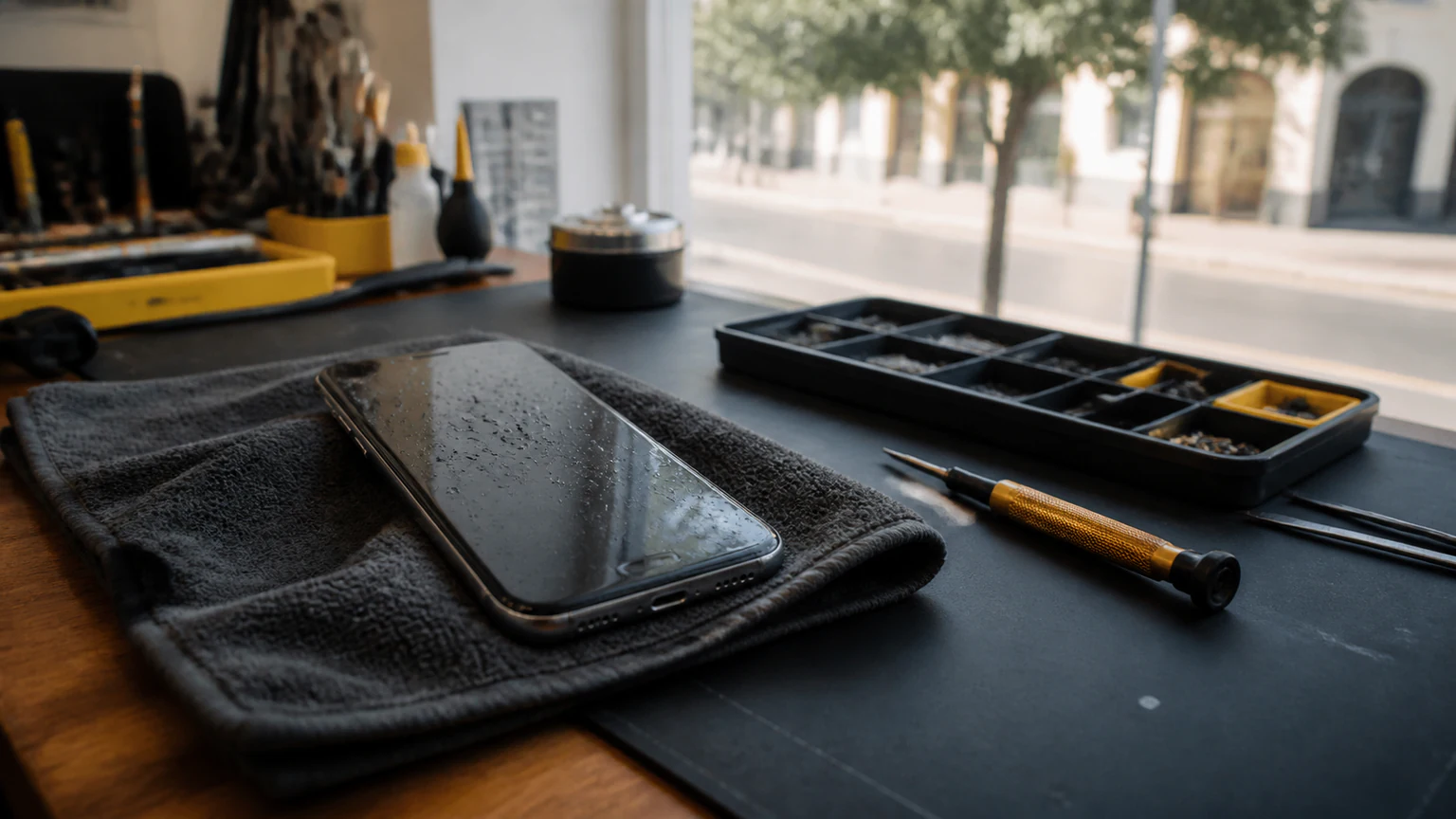
- Keep it upright and cool. Stand it on an absorbent cloth in a dry, room-temperature spot while you arrange a repair, and do not apply any heat.
- Get it to a repair technician as soon as you can. The only reliable way to stop internal corrosion is to have the phone opened, cleaned, and inspected with the right tools.
For a minute-by-minute breakdown of those critical first moments, our companion guide on what to do immediately after dropping your phone in water goes deeper on each step.
Skip the Rice Trick (and the Hairdryer)
The bag of rice is the most famous water-damage remedy, and it is mostly a myth. Rice absorbs a little surrounding humidity, but it cannot pull moisture out of the sealed spaces deep inside a phone where the damage actually happens. Worse, rice dust and starch can work their way into ports and openings and create new problems. By the time a phone has sat in rice for two days, corrosion has had two days to spread.
Heat is another tempting shortcut to avoid. A hairdryer, oven, radiator, or direct sun can warp the battery, loosen adhesives, and damage the screen long before it does any good. Silica gel packets are slightly better than rice at pulling moisture off the surface, but they still do nothing for liquid already sealed inside. None of these home tricks clean corrosion, and cleaning corrosion is the part that actually saves the phone.
"But It Still Works" - Why Hidden Water Damage Is the Real Threat
The most dangerous outcome is the phone that turns on and seems normal. People take that as a sign they got lucky and move on, while corrosion quietly eats at the internals. Days or weeks later, problems start to surface. Common signs of lingering water damage include:
- A touchscreen that responds erratically, registers ghost taps, or has dead zones
- Foggy or blurry photos from moisture trapped behind the camera lens
- A battery that drains unusually fast, or a phone that gets warm doing nothing
- Muffled, crackly, or dead speakers and a microphone callers cannot hear
- Wi-Fi, Bluetooth, or cellular signal that keeps cutting out
- A charging port that has gone intermittent or stopped working
- Screen discoloration, pink or purple blotches, or flickering
Any of these after a soaking means moisture reached the electronics. Even with no symptoms at all, the safest move is to have the phone professionally cleaned, because corrosion caught early is far easier and cheaper to reverse than a board that has been quietly degrading for weeks.
What Professional Water-Damage Repair Involves
Water-damage repair is not a single part swap; it is a diagnostic and cleaning process. When you bring a liquid-damaged phone into a repair shop, a technician typically:
- Opens the device in a controlled way to reach the logic board and connectors
- Inspects for corrosion and checks the liquid-contact indicators to map how far the water traveled
- Cleans the board and connectors with isopropyl alcohol and, where appropriate, ultrasonic cleaning to lift corrosion off the tiny contacts
- Tests each subsystem - power, charging, display, cameras, audio, and antennas - to find what the water actually harmed
- Replaces damaged parts such as the battery, charging port, or screen if the cleaning reveals they are beyond saving
- Attempts to preserve your data whenever the phone can be revived long enough to back it up
Because every soaking is different, water-damage repair starts with a diagnostic rather than a flat price. At URPhone Store, water-damage service begins with a $60 diagnostic that is credited toward your repair if you decide to proceed, and parts are quoted only after the technician sees exactly what the water affected. That diagnostic covers the hands-on inspection and cleaning that liquid damage always requires. Repairs that include replacement parts are backed by our 1-year warranty on parts and labor, which does not cover new accidental or liquid damage after the repair.
How Quickly Should You Act?
With water damage, time is the single biggest factor in whether a phone survives. Corrosion begins within minutes and keeps progressing for as long as moisture and residue sit on the board. A phone brought in within hours has a much better outlook than the same phone brought in after a week of waiting to see if it dries out on its own. If your device holds irreplaceable photos, messages, or accounts, treat it as urgent: the sooner it is opened and cleaned, the more there is to save. Waiting rarely helps, and it usually makes the repair larger.
Where to Get Water-Damage Repair in Orlando
If the spill is beyond a quick wipe-down, professional water-damage repair is the step that actually protects your phone and your data. URPhone Store diagnoses and repairs liquid damage on all major brands, including Apple, Samsung, Google Pixel, OnePlus, LG, and Motorola, at our locations across Orlando. If you are on the west side of town, our MetroWest Orlando store is the closest option, and all three of our stores keep the same hours: Monday through Saturday 9 AM to 9 PM and Sunday 10 AM to 9 PM.
Do not wait for corrosion to spread. Call (321) 300-2023 to talk through what happened, or book a repair online and bring your phone in so a technician can start the diagnostic while there is still plenty to save.