If your iPhone is not charging, the cause is usually simpler and cheaper than a dead phone: a worn-out cable, a weak adapter, a bad outlet, or lint packed into the charging port. Before you assume the battery is dead, work through the checks below in order - charger and outlet first, then the port, then software and temperature, and only then a hardware fault. Most "won't charge" problems are solved in the first few steps without spending a cent. The same triage works whether your iPhone has a Lightning port (iPhone 14 and earlier) or a USB-C port (iPhone 15 and later).
Start with the charger, not the phone
The most common reason an iPhone stops charging is the cable or the adapter, not the phone. Cables fail constantly - bent at the connector, yanked at an angle, or frayed inside the insulation - and one can look perfect and still be dead. Before anything else, change one thing at a time:
- Swap the cable. Try a charging cable you know works. Cheap, off-brand, and damaged cables are the number-one cause of a "dead" iPhone; use an Apple or MFi-certified cable if you have one.
- Swap the adapter. Plug that cable into a different wall adapter. A laptop port, car charger, or battery pack can be weak, while a wall outlet with a 20W USB-C adapter gives the most reliable charge.
- Swap the outlet. Move to a different wall socket you know is live, and skip power strips and extension cords for this test.
- Give a dead phone a few minutes. If the battery hit zero, the screen can stay black for several minutes before the charging icon appears, so leave it plugged in a while before you panic.
If a different cable, adapter, and outlet get it charging, the problem was never the phone. If it still will not charge with a known-good charger, move on.
Step by step: how to get an iPhone charging again
Work through these in order. Each one rules out a cause, so do not skip ahead.
- Test a known-good cable, adapter, and outlet. This clears the most common culprit first. Watch for the "This accessory may not be supported" alert, which points at the cable or a dirty port, not the battery.
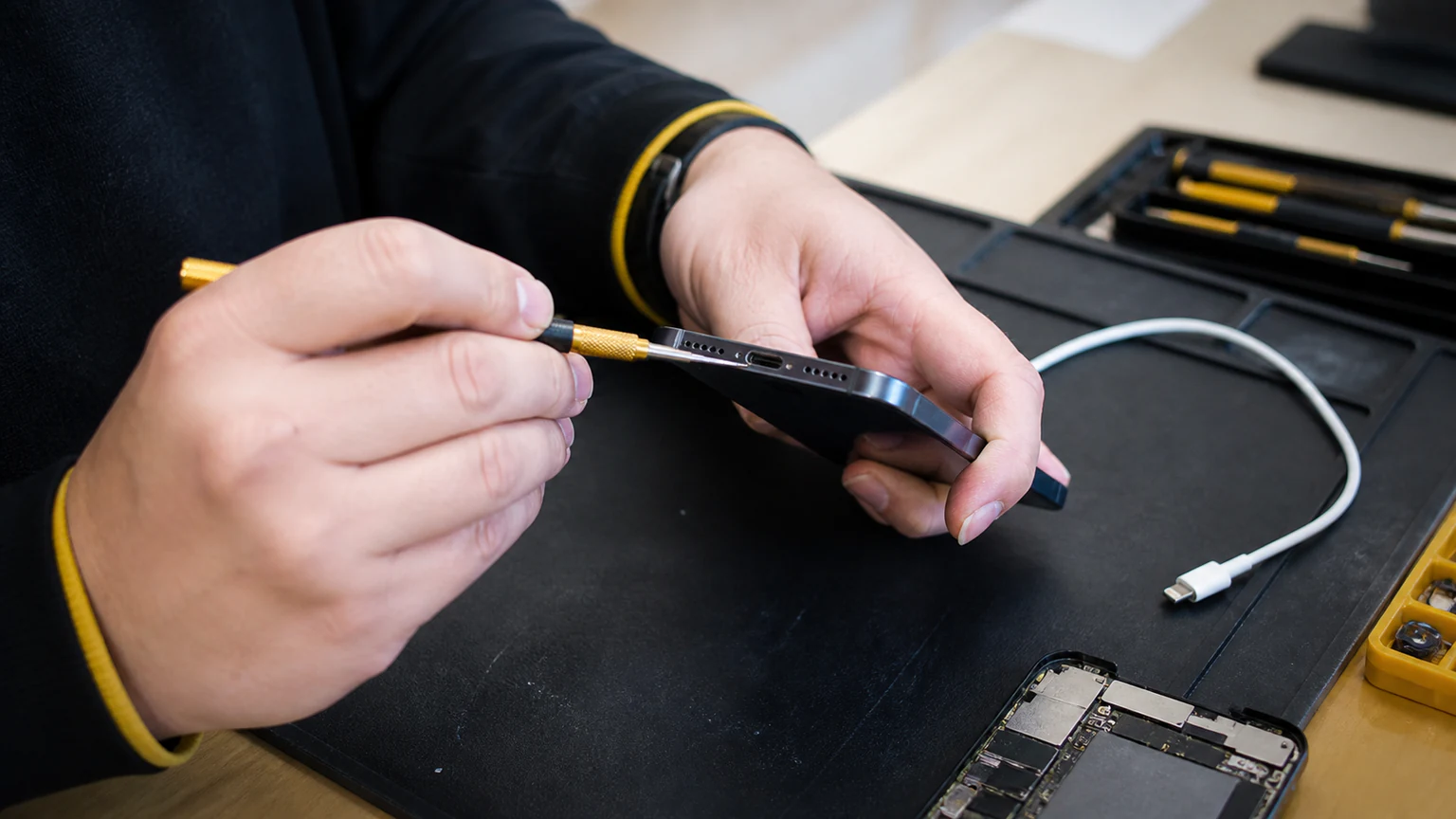
- Inspect the charging port. In good light, look straight into the port on the bottom edge for lint, dust, crumbs, corrosion, or a bent pin. Debris compacts in over months and blocks the cable from seating.
- Clean the port safely. Power the iPhone off first, then use a wooden or plastic toothpick or a dry anti-static brush to gently lift out the lint. Never use metal, which can short or scratch the contacts, and do not spray liquids or alcohol inside.
- Check for a bent pin or corrosion. Bent pins or green, white, or crusty residue mean physical or liquid damage that home cleaning will not fix - a strong sign you will need a technician.
- Look for water exposure. If the phone was recently rained on, dropped in a sink or pool, or used in the shower, treat the no-charge as possible water damage. Charging a wet port can short the board, so do not force it (see the water section below).
- Force-restart the iPhone. A frozen system can stop the phone from registering a charger. A force restart erases nothing:
- iPhone 8 and later (including SE 2nd and 3rd gen): press and release Volume Up, press and release Volume Down, then hold the Side button until the Apple logo appears.
- iPhone 7 and 7 Plus: hold Volume Down and the Side button together.
- iPhone 6s and earlier, and the first SE: hold the Home button and the Side (or Top) button together.
- Update iOS. If the phone still powers on and charges intermittently, connect to Wi-Fi and open Settings > General > Software Update. Apple patches charging and battery-management bugs, and a pending update can be the fix.
- Test wireless charging. If your iPhone supports it (iPhone 8 and later for Qi, iPhone 12 and later for MagSafe), set it on a wireless charger. This is the key diagnostic: if it charges wirelessly but not with a cable, the port is the problem, not the battery or board. If neither works, the issue is deeper.
- Let a hot or cold phone recover. iPhones slow or pause charging in extreme temperatures. If the phone is hot from the sun or a dashboard, or freezing cold, let it settle at room temperature - charging usually resumes once it is back in range.
One quirk that is not a fault: charging that pauses near 80 percent is Optimized Battery Charging protecting the battery, and it finishes before you need the phone.
Is it the port, the battery, or the board?
If the charger checks and the safe fixes above did not solve it, the fault is inside the phone. Here is how to read the signs.
Signs it is the charging port
- Charges only at a certain angle, or you have to push, wiggle, or prop the cable to keep it going.
- Wireless charging works, but a cable does nothing.
- Visible lint, corrosion, or a bent pin that would not clear.
- A known-good cable gets no response, and the port feels loose or "mushy" when you plug in.
A worn, dirty, or damaged port is the most common hardware cause, and usually the least expensive to fix. On many iPhones it is part of the charging flex assembly that a technician replaces as a unit.
Signs it is the battery
- Charges but drains almost instantly, or shuts off at 20 to 40 percent.
- Only stays on while plugged in.
- The screen or back is bulging or lifting, which can indicate a swollen battery. Stop using it and get it checked right away.
- In Settings > Battery > Battery Health and Charging, Maximum Capacity is low or you see a "Service" message.
A tired battery is normal wear after a few years and is a straightforward battery replacement.
Signs it is the logic board
- Completely dead, nothing on a force restart, and neither wired nor wireless charging responds.
- It stopped charging right after a drop or water exposure.
- It gets hot when plugged in but never gains charge.
Board-level faults are less common and more involved, which is why a proper diagnosis matters before you spend money. A technician can tell in minutes which it is.
What water does to charging
Liquid is a special case. If the phone got wet and then would not charge, do not keep plugging it in and do not aim heat at it, because running current through a wet port is one of the fastest ways to kill the logic board. iPhones have a liquid-contact indicator inside the SIM tray slot that turns red or pink once triggered, which is how a technician confirms water got in.
For the full immediate-response steps, read our guide on what to do when you drop your phone in water. If water is why your iPhone will not charge, the fix is a water damage repair, not a simple port swap. That carries a $60 diagnostic, credited toward the repair if you proceed, because a wet phone has to be opened and cleaned before anyone can honestly quote it. Water damage is never diagnosed for free, and the sooner corrosion is cleaned off the board, the more of the phone survives.
When to get your iPhone charging port repaired
If you have ruled out the charger, cleaned the port, and confirmed wireless charging works while a cable does not, you are looking at a charging port repair - and that is not a DIY job on a modern iPhone. The port is joined by a delicate flex cable, and opening the phone risks the battery, the seals, and other connectors.
At URPhone Store, our charging port repair service diagnoses the problem for free and fixes most iPhones the same day when parts are in stock, starting from $50, depending on your model and what the diagnosis finds. Our iPhone repair team in Orlando handles both Lightning and USB-C ports and tests whether the fault is the port, the battery, or the board, so you never pay for a battery when a cleaned port would do.
Every repair is backed by our 1-year warranty on parts and labor (does not cover new accidental or liquid damage after the repair). We service Apple, Samsung, Google Pixel, OnePlus, LG, Motorola, Nokia, TCL, Revvl, Xiaomi, and Redmi, and all three of our Orlando-area stores are open Mon-Sat 9 AM-9 PM and Sun 10 AM-9 PM, with walk-ins welcome.
Not sure whether it is the port or the battery? Bring it in and we will tell you for free. Call (321) 300-2023 or book a visit, and we will get your iPhone charging again.