Protecting your iPhone from future damage comes down to a handful of habits: put it in a real case, add a screen protector, keep it away from water and heat, and charge it with gear you trust. Do those consistently and you head off the most common and most expensive repairs - a cracked screen, a swollen battery, liquid damage. No accessory makes a phone indestructible, so this guide covers the prevention that genuinely works, then points you to the fixes for the damage prevention cannot stop.
Where iPhones actually break
An iPhone is glass on the front, usually glass on the back, a metal frame, and a lithium-ion battery that hates heat - which tells you exactly where the weak points are. Knowing them makes prevention obvious:
- The front screen. It cracks from drops and pressure, and the small scratches from keys or grit weaken the glass over time so it breaks more easily later.
- The back glass. On every recent iPhone the back is laminated glass too, and it shatters the same way the front does - often in a fall you thought the phone survived.
- The battery. Heat and constant full charges age it faster, and a badly aged cell can swell and push the screen up from the frame.
- Liquid getting in. Water works its way in through the ports and seams, and the seals that hold it out weaken as the phone gets older.
Prevention lowers the odds on every one of these. It does not erase them - a hard enough fall or a deep enough dunk will still do harm - but the gap between a protected phone and a bare one is usually the gap between a scare and a repair bill.
Start with a real case
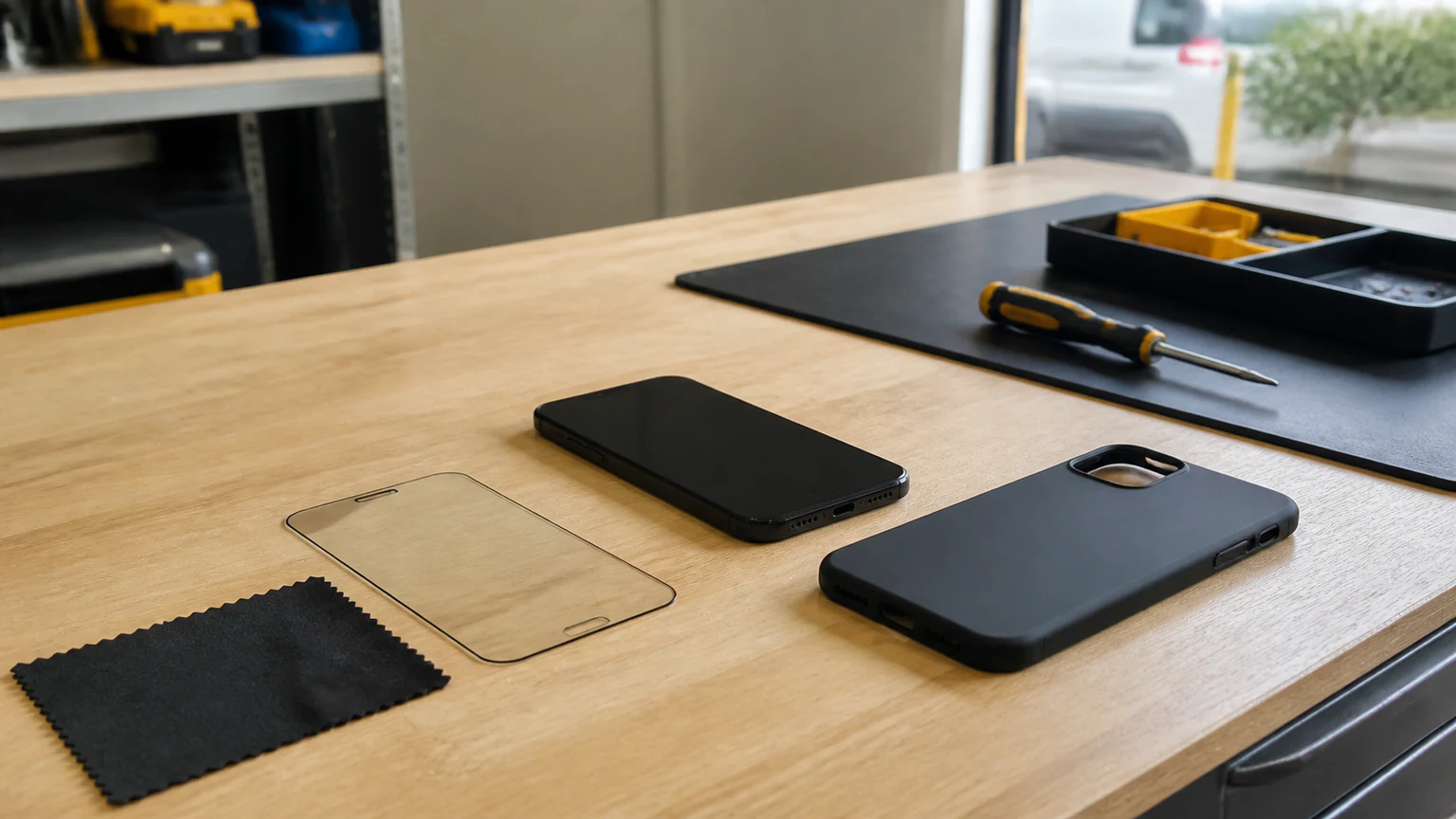
A case is the highest-value thing you can add, because it blunts the most common failure of all: the drop. A slim skin looks nice, but it does little when the phone hits a corner on concrete. What you actually want is a case built to absorb impact.
Look for these features rather than a specific brand:
- Shock absorption. A dual-material build - a soft inner layer (TPU or silicone) inside a harder shell (polycarbonate) - spreads the force of a hit instead of passing it straight to the frame.
- Raised bezels. A lip that sits slightly above the screen and above the camera lenses means the phone lands on the case, not the glass, when it falls face- or lens-down.
- Grip. A textured or matte finish that does not slide off couch arms and car seats prevents drops before they happen.
- MagSafe compatibility. A case with the magnet array built in keeps MagSafe charging and accessories working at full strength.
Reputable options span the range from slim to heavy-duty - OtterBox, Urban Armor Gear, Spigen, Nomad, and ESR all make well-regarded cases at different bulk levels. Pick the amount of protection that matches how you actually use your phone; the toughest case in the world does nothing sitting in a drawer because it is too bulky to carry. And treat the case as a wear part: once it is cracked, stretched, or no longer gripping, replace it, because a tired case protects like no case.
Add a screen protector: cheap insurance
If a case guards the whole phone, a screen protector guards the part that costs the most to fix. It is one of the cheapest add-ons you can buy and one of the highest-payoff.
There are two common types:
- Tempered glass is rigid, feels like the original screen, resists scratches well, and takes the brunt of an impact - frequently cracking itself so the display underneath survives. It is the best day-to-day pick for most flat and lightly curved iPhone screens.
- Film (TPU or PET) is thin and flexible and wraps curved edges better, and some films self-heal light scratches, but it offers less impact protection than glass.
Installation quality decides how well either one works. Put it on over dust or slightly off-center and it lifts at the corners, traps grit, and protects less. Clean the screen thoroughly, use the alignment tray if the kit includes one, and take your time - or have it fitted professionally so it is bubble-free and square. Some premium protectors also carry a manufacturer warranty; if you want to understand what that does and does not cover, here is how screen-protector warranties and replacements work.
One honest caveat: no protector guarantees your screen will never crack, because a hard corner drop can break a display through good glass. But set against the cost of a broken panel, it is cheap insurance. If the glass is already cracked, that is a repair rather than a protector question - our guide to phone screen repair covers what that involves and how it is priced.
Keep water away from your iPhone
Modern iPhones carry an IP water-resistance rating, and that rating fools a lot of people. It is tested in controlled lab conditions on a brand-new device, it covers fresh water and not pool chlorine or salt water, and the seals that earn it weaken with every drop and every year of age. Water resistance is a safety net for accidents, not permission to take the phone swimming.
Simple caution prevents most liquid damage:
- Keep it off the edge of the sink, the tub, and the pool deck, and out of a bag with a leaky water bottle.
- Be careful in steamy bathrooms and kitchens, where humidity works into the ports over time.
- If you are regularly around water - boating, the beach, worksites - a genuinely waterproof pouch or case is worth it.
- Never charge a phone that is wet; pushing power through a damp port is what turns a splash into real damage.
If your iPhone does get wet, power it off, dry the outside, and resist the urge to plug it in or press buttons to "test" it. The rice trick does not reliably pull moisture from inside the phone, and corrosion can start within hours. When it is more than a light splash, get it inspected. Because liquid problems need internal cleaning and testing, our water damage service starts with a $60 diagnostic that is credited toward the repair if you proceed, with parts quoted after inspection.
Protect the battery from heat and hard charging
You cannot stop a lithium-ion battery from aging, but you can slow it down a lot, and the payoff is a phone that still lasts a full day two or three years from now. Two things matter most.
Heat is the real killer. Sustained high temperature permanently reduces capacity, and that damage does not come back. Never leave your iPhone on a hot car dashboard - an Orlando summer clears the danger zone easily - and take the case off if the phone gets warm while charging or during long gaming or navigation sessions. Cold saps range temporarily, but heat leaves a permanent scar.
Charge in the middle of the range. Batteries are happiest between roughly 20% and 80%. Draining to zero and sitting pinned at a full 100% for hours both add stress, so smaller top-ups are gentler than deep 0-to-100 cycles. Turn on Optimized Battery Charging (Settings > Battery > Battery Health & Charging) so the phone holds at 80% and finishes charging only just before you normally unplug; on the iPhone 15 and later you can set a hard 80% limit.
Check where you stand under Settings > Battery > Battery Health & Charging - once Maximum Capacity slips toward 80%, expect shorter run time. For the full routine, see how to keep your iPhone battery healthy for longer. When a battery is simply worn out, no habit brings it back, and a fresh one makes an otherwise good phone feel new; that is a job for professional iPhone battery replacement.
Charge safely
Bad charging habits cause a surprising share of avoidable damage - not just to the battery, but to the charging port and, in rare cases, the phone itself.
- Use certified gear. You do not need Apple's own brick, but you do want an Apple or MFi-certified cable and a charger from a reputable brand. Cheap, unregulated chargers can run hot or push unstable power, and heat is exactly what you are trying to avoid.
- Keep it ventilated. Charge on a hard, open surface, not under a pillow or a pile of bedding that traps heat overnight.
- Mind the port. Lint packs into the Lightning or USB-C port and stops a cable seating fully. Ease it out gently with a wooden or plastic pick - never a metal pin, which can short the contacts.
- Dry hands, dry port. Do not plug in with wet hands or a damp phone.
Overnight charging is fine on a modern iPhone as long as Optimized Battery Charging is on, because the phone deliberately delays that final top-off until morning.
Everyday habits that prevent damage
The accessories do the heavy lifting, but a few daily habits close the remaining gaps.
- Back up your data. Prevention is also about what you would lose. Turn on iCloud Backup or back up to a computer, so a drop or a dunk costs you a repair, not your photos.
- Clean it the safe way. Apple recommends a soft, lint-free microfiber cloth and, for disinfecting, a 70% isopropyl alcohol wipe on the hard exterior surfaces. Skip paper towels (they scratch), household cleaners and bleach (they strip the screen's coating), compressed air (it can force debris and moisture inward), and never spray liquid directly onto the phone.
- Do not jailbreak it. Jailbreaking removes Apple's built-in protections, can destabilize the phone, and opens it to security risks - a software wound that is easy to avoid.
- Inspect your armor. Once a month, glance at the case and protector. A cracked protector or a case that has lost its grip is no longer doing its job and should be swapped before the next drop.
- Add a grip if you drop things. A PopSocket-style grip or a strap makes the phone far harder to fumble, which is prevention at the source.
When prevention is not enough: repair in Orlando
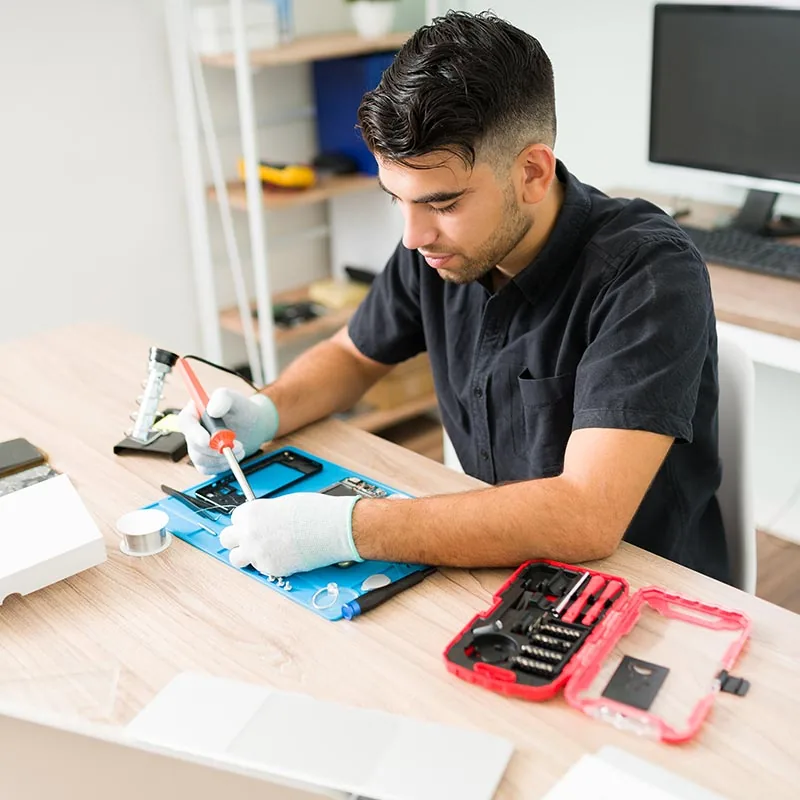
Even a careful owner ends up with a cracked screen or a dying battery eventually - that is what protection buys you time against, not immunity from. When it happens, a professional fix restores the phone properly and keeps its water resistance and features intact, which a rushed DIY attempt often does not.
At URPhone Store, iPhone screen repair starts from $50 and battery replacement from $40, both depending on the model, and the diagnostic quote is free (water damage is the one exception, at $60, credited toward the repair). Most repairs are finished the same day when parts are in stock, and every repair is backed by a 1-year warranty on parts and labor (this does not cover new accidental or liquid damage after the repair). Prefer to have the whole device checked over? Our team handles full iPhone repair in Orlando across our three locations.
Find your nearest store on our locations page, then Call (321) 300-2023 or book a repair online.