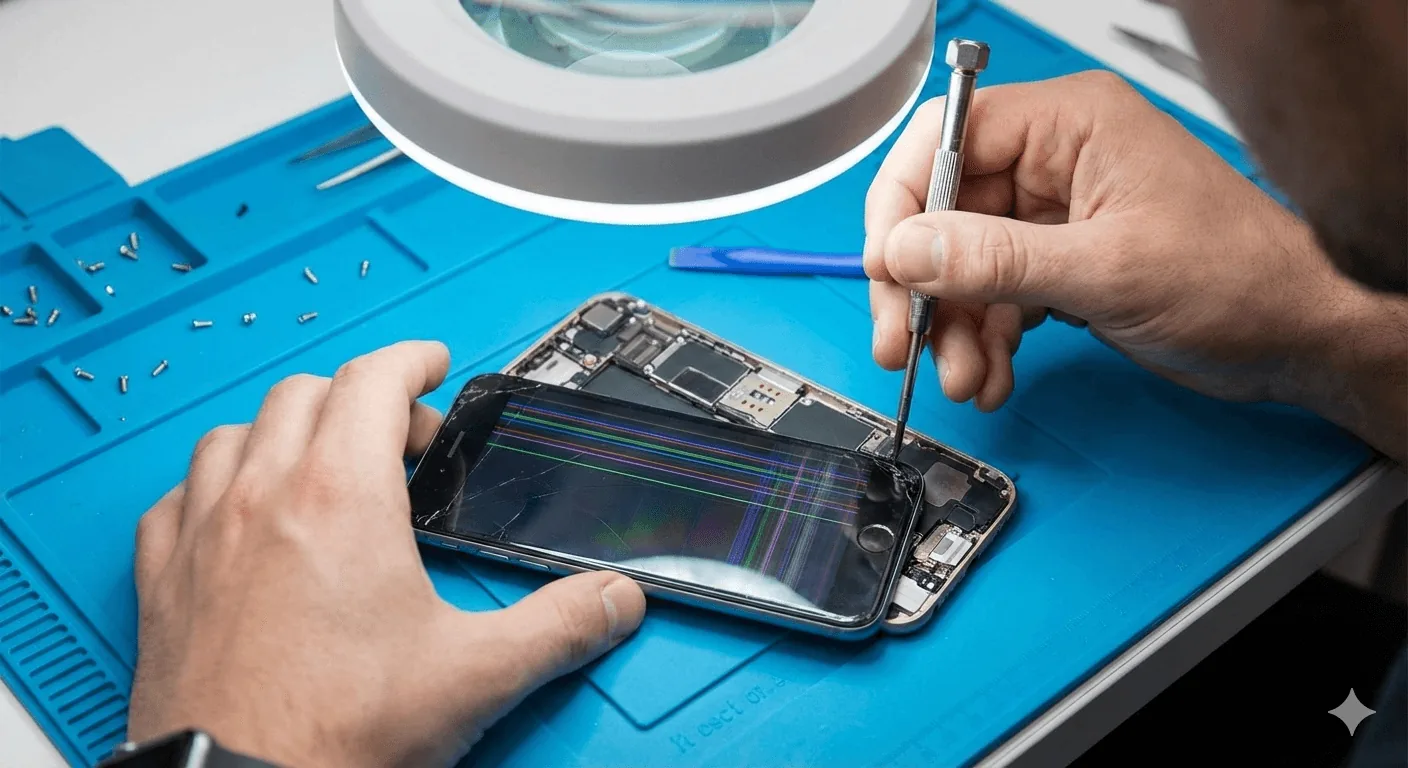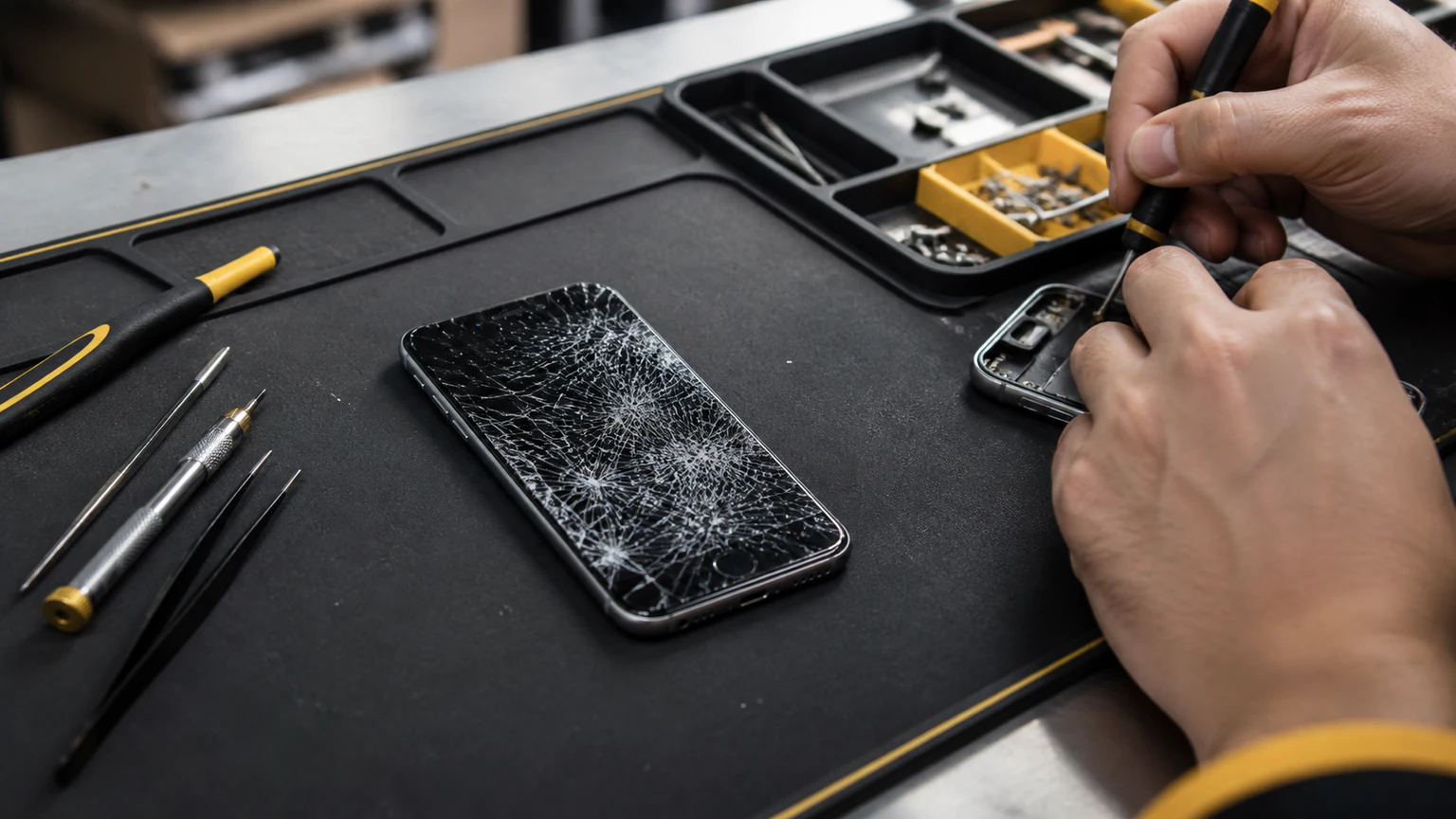
A broken iPhone screen rarely stays a simple crack. Once the glass gives way, it tends to trigger a predictable set of problems: dead spots where touch stops working, black bars or ink-like blots, phantom "ghost" taps, unresponsive areas, and Face ID that suddenly fails. Some of these are cosmetic, and some are warning signs that the damage is spreading into the display and the parts underneath. This guide explains the most common problems you will see after an iPhone screen breaks, what each one actually means, which ones can wait, and which need a repair before they get worse.
Why a broken iPhone screen causes more than a crack
An iPhone screen is not one piece of glass. It is three bonded layers fused into a single assembly: the top glass you touch, the digitizer (the layer that senses your finger), and the OLED or LCD display underneath that produces the picture. Because they are laminated together, one impact can damage a single layer or all three at once.
That is why two iPhones with the "same" cracked screen can behave completely differently. A crack in only the top glass may look ugly but still work perfectly. A crack that reaches the digitizer kills touch in that area. One that reaches the display panel produces black spots, lines, or discoloration. And since the layers are bonded, the fix almost always means replacing the whole screen assembly, not just the outer glass. Ignoring even a small crack lets the damage creep from one layer into the next, which is a big part of why a cracked screen is worth fixing early.
Dead spots and unresponsive areas
A dead spot is a zone of the screen that stops responding to touch while the rest still works. You tap an app and nothing opens, or part of the keyboard ignores you, even though the display still lights up normally. The cause is almost always a cracked digitizer or a disrupted connection between that touch layer and the logic board, and it is common after a drop that lands on a corner.
You can map it out in a few seconds: open Notes or any drawing app and drag one finger slowly across the entire screen. Anywhere the line breaks or skips is a dead area. This matters more than it sounds, because dead zones tend to grow as the crack spreads, and a dead spot sitting over your keyboard or passcode field can lock you out of your own phone. No restart or software reset fixes a cracked digitizer; the touch layer has to be replaced.
Black spots, black bars, and spreading blots
A black patch, a solid black bar down the screen, or an ink-like blot that oozes outward, sometimes ringed by bright or colored halos, points to the display panel itself. Unlike a dead touch spot, the glass and touch may still work here; it is the OLED or LCD underneath that is damaged and leaking.
The important thing to know is that these almost always spread. A black blot from a cracked panel usually grows over hours or days until it swallows more of the screen, and once it does, you can lose the ability to see anything at all. If you are seeing a growing dark area, back up your photos and data now, while you can still read the screen, and treat the repair as urgent rather than something to put off.
Lines across the screen
Vertical or horizontal lines, colored bands, or flickering stripes are another common aftermath of a broken screen. These usually come from a damaged display or a loose or failing ribbon connector between the screen and the logic board, often jarred by the same drop that cracked the glass. Lines that appeared right after a crack and react when you press or flex the screen are hardware.
Occasionally, though, lines are a software glitch rather than physical damage, and those clear with a restart or an update. Because it is worth ruling that out before assuming the panel is finished, our complete guide to fixing lines on an iPhone screen walks through the quick software checks first. If the lines survive a restart and a full iOS update, the display or its connector is the culprit.
Ghost touch: taps you never made
Ghost touch is when the iPhone registers touches on its own. Apps open by themselves, text types itself, the screen scrolls with no finger anywhere near it. It is one of the more maddening problems because the phone feels possessed. The cause is usually a cracked or contaminated digitizer sending false signals, or a damaged display connector.
A broken screen that lets in a little moisture is a classic trigger, and Orlando's humidity and sudden rain make that worse once the seal is broken. A restart may quiet ghost touch for a few minutes, but if the root cause is a cracked screen, it always comes back. Ghost touch can also enter your passcode wrong over and over, which risks locking or disabling the phone, so it is not a problem to live with.
Face ID stops working after a cracked screen
If Face ID fails right after a drop, with a "Face ID is not available" message or a scanner that never recognizes you, the crack and the Face ID failure usually share the same cause. The TrueDepth sensor array that runs Face ID sits at the top of the screen, and an impact hard enough to shatter the glass can also damage those sensors or the flex cables feeding them.
Sometimes the crack is directly over the sensor window, and restoring the front glass brings Face ID back. Other times the drop damaged the TrueDepth module itself, which is tied to your phone's logic board and needs a deeper diagnosis. One thing worth knowing: Face ID hardware is paired to your specific iPhone, so a proper repair transfers your original components rather than swapping in generic ones. That pairing is a big reason a broken-screen-plus-Face-ID problem belongs with a technician instead of a DIY kit, which can permanently disable the feature.
Cracks you cannot see, and moisture getting in
Not every damaging crack is obvious. Hairline cracks and small edge chips look minor, but they break the screen's seal just the same. Once that seal is gone, dust and Orlando's humidity work their way into the bonded layers, and that is exactly what turns a "harmless" crack into ghost touch, a dead spot, or a spreading blot weeks later.
This is why a screen that "still works fine" after a drop is worth a look. The visible damage is often only part of the story, and the slow problems tend to show up after the seal has already been compromised.
Which problems can wait, and which cannot
Not every broken screen is an emergency, but some genuinely are. A quick way to triage:
- Fix now: black spots or bars, spreading blots, ghost touch, dead spots over the keyboard or passcode, Face ID failure, and any exposed, sharp, or lifting glass. These either spread or can lock you out.
- Fix soon: hairline cracks, small corner chips, and a screen that is cracked but still fully working. It works today, but the seal is broken and it will get worse.
- Back up first: any time the display itself is failing, meaning black areas or lines that keep growing, copy your data off the phone before the screen becomes unreadable.
When in doubt, the safe assumption is that a broken screen gets worse, not better.
How professional iPhone screen repair fixes these problems
Because the glass, digitizer, and display are bonded into one assembly, a real fix means replacing that whole assembly, which is what clears dead spots, ghost touch, black blots, and touch-related lines in a single repair. A technician can also test whether Face ID and the front sensors survived the drop and transfer your original paired components so features keep working. This is true across models, from an older iPhone 11 or XR to a recent iPhone 14 Pro Max, though the exact part and price differ by model.
At URPhone Store, iPhone repair in Orlando covers all of these screen problems, and iPhone screen replacement starts from $50, depending on your model. Most screens are a same-day job when parts are in stock, and every iPhone screen repair is backed by a 1-year warranty on parts and labor (this does not cover new accidental or liquid damage after the repair). The diagnostic is free, so if you are not sure whether the trouble is in the touch layer, the panel, or the sensors, we will find out at no charge before you commit to anything.
Getting a broken iPhone screen fixed in Orlando
To get a cracked or malfunctioning screen looked at, Call (321) 300-2023 or book online through our contact page. URPhone Store has three Orlando locations open seven days a week, Monday through Saturday 9 AM to 9 PM and Sunday 10 AM to 9 PM, and we are 4.9-star rated across our three Orlando locations. Whether it is a single dead spot or a screen going black, the sooner it is fixed, the less likely the damage is to spread to the rest of your phone.