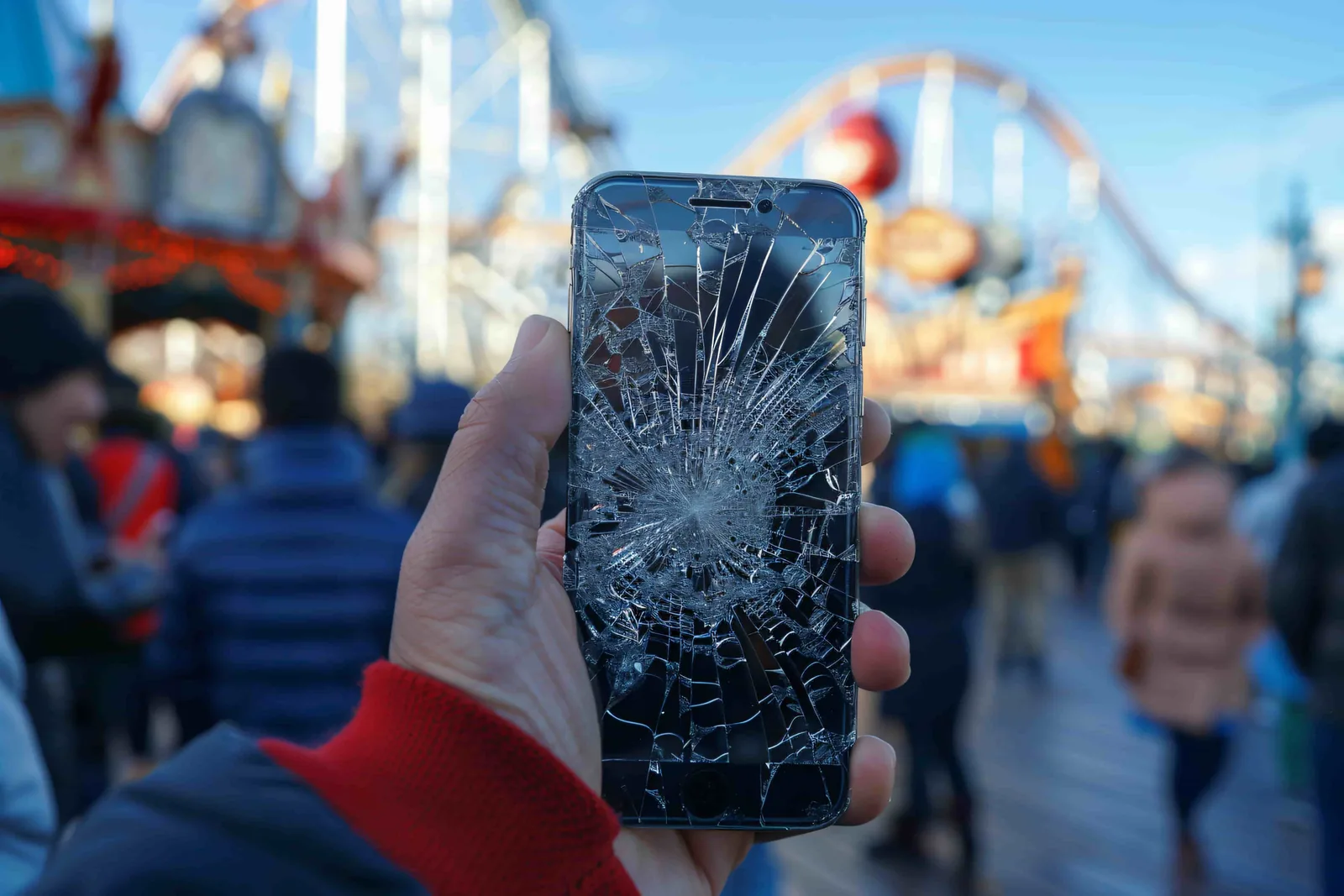
A cracked phone screen is more than a cosmetic annoyance, and the smartest move is to act fast: cover the crack to contain the glass, back up your data, and stop pressing hard on the display until it is repaired. Whether you are looking at a single hairline crack or a fully shattered panel, that damage tends to spread, and the longer you wait, the more likely it is to reach the parts inside your phone. This guide walks through exactly what to do in the first few minutes, why ignoring a crack almost always makes it worse, whether the repair can wait, and how a professional screen repair actually works, including what it costs in Orlando.
What to do immediately after cracking your screen
The first few minutes matter. The right steps now can prevent further damage, protect your data, and keep the repair simple and affordable.
- Check what still works. Before anything else, see how bad the damage really is. Test touch response by swiping and typing across the whole screen, look for black spots, flickering, or discolored patches, and confirm the front camera and the face or fingerprint sensor still work. This tells you whether you have surface glass damage or a deeper display problem.
- Cover the crack. Lay a strip of clear tape or a stick-on screen protector over the cracked area. This holds loose glass in place, keeps shards off your fingers and face, and slows dust and moisture from working their way in.
- Power down a badly shattered phone. If the glass is heavily broken or the display is flickering, turn the phone off. Running a severely damaged screen can short internal connections and turn a screen job into a board repair.
- Back up your data now. A cracked screen can fail without warning after one more bump. Back up photos, contacts, and files to the cloud or a computer while the phone still responds, so nothing is trapped behind a dead display.
- Stop pressing on the crack. Every hard tap flexes the glass and helps the crack spread. Handle the phone gently and avoid setting it face-down until it is fixed.
- Book a professional repair. Once the phone is stable and backed up, get it to a qualified technician. Early repair is almost always cheaper and faster than waiting for the damage to spread.
Why you shouldn't ignore a cracked screen
It is tempting to live with a small crack, but that screen is doing more than displaying pictures. It is the sealed barrier that protects everything inside your phone. Once it is broken, several problems start stacking up.
Glass shards and injury risk
Cracked glass leaves sharp, jagged edges. Repair technicians see customers all the time with small cuts on their fingers from swiping over a broken screen, and tiny shards can lift out and end up in a pocket, on a couch, or within reach of a child or pet. Covering the crack with tape is a short-term safety measure, not a repair.
Touch failure and ghost touches
A cracked digitizer rarely reads your touch correctly. You may notice dead zones that ignore taps, delayed response, or ghost touches, where the phone registers presses you never made. As the crack spreads, the unresponsive areas grow, and simple tasks like typing a message or answering a call become a struggle.
Dust and moisture getting inside
Even a hairline crack opens a doorway. Dust, pocket lint, and humidity slip through the gap and reach parts that were never meant to be exposed: the display connectors, the charging port, and the logic board. In a humid, rain-prone city like Orlando, that moisture can corrode circuits and turn a straightforward screen swap into a much larger, costlier repair.
Display bleed and LCD damage
A crack in the outer glass often reaches the display underneath. When it does, you see the classic warning signs: spreading black blotches, green or purple lines, bright flickering, or dead pixels. This is display bleed, and once the panel itself is damaged, a simple glass repair becomes a full display replacement. Acting while the damage is still on the surface keeps the fix smaller.
A weaker phone and lower resale value
The screen adds structural rigidity to the whole device. A cracked one flexes more, so the next drop does far more damage than it would have on an intact phone. A cracked screen also drops resale and trade-in value sharply; even a phone that works perfectly is worth far less with a damaged display, and cracks can throw off the alignment that face and fingerprint sensors rely on.
Is it just the glass, or the display too?
Not every crack is equal, and knowing which layer is damaged tells you how big the repair will be. A modern phone screen is really several layers bonded together: the outer glass you touch, the digitizer that senses your finger, and the display panel that produces the image. The repair can be small or large depending on how far the crack has traveled.
- Surface glass only. The glass is chipped or cracked, but the picture is crisp and touch works everywhere. This is the best case and the simplest, least expensive fix.
- Cracked glass with touch problems. The image looks fine, but parts of the screen ignore your taps or fire off ghost touches. The digitizer is affected, so the screen assembly needs replacing.
- Cracked glass with display damage. You see black blotches, colored lines, flickering, or dead pixels. The panel itself is hit, which means a full display replacement rather than a glass-only fix.
- Shattered screen. The glass is broken across the surface with sharp, lifting edges. Beyond the repair itself, this is a safety and moisture risk that should be handled right away.
If you are not sure which category you are in, run the quick checks from the steps above, then let a technician confirm it. A free quote and inspection pins down exactly what is wrong before any parts are ordered, so you never pay for more repair than the phone actually needs.
Can a cracked screen get worse if you wait?
Yes, and usually faster than people expect. One of the most common questions repair shops hear is whether a crack will spread if it is left alone, and the honest answer is that it almost always does.
Your phone goes through constant small stresses: the flex of being pulled from a tight pocket, the pressure of sitting in a bag, and the temperature swings between Florida heat outdoors and cold air conditioning inside. Glass expands and contracts with those changes, and each cycle nudges the crack a little further. What starts as a chip in the corner can web across the entire screen within days.
So can it wait? A purely cosmetic hairline crack with no touch or display issues can sometimes hold for a short while if you protect it and back up your data. But the moment you see spreading lines, dead spots, flickering, lifting glass, or any sign of moisture under the screen, the repair should not wait. Those are the symptoms that separate a quick, low-cost fix from an expensive one.
Should you try a DIY fix?
Temporary tricks like clear tape, liquid screen-protector coatings, or drugstore repair kits show up in a lot of online videos. They can hold you over for a day or two, but none of them actually repair a cracked screen, and some make things worse. Pry tools and cheap replacement glass can crack the display further, tear the delicate ribbon cables, or break the seal that keeps water out, and a botched attempt can void your warranty. A proper screen replacement uses the correct part and tools and restores the phone to full working condition, which is why professional repair is the reliable choice.
How a cracked screen is fixed and what it costs
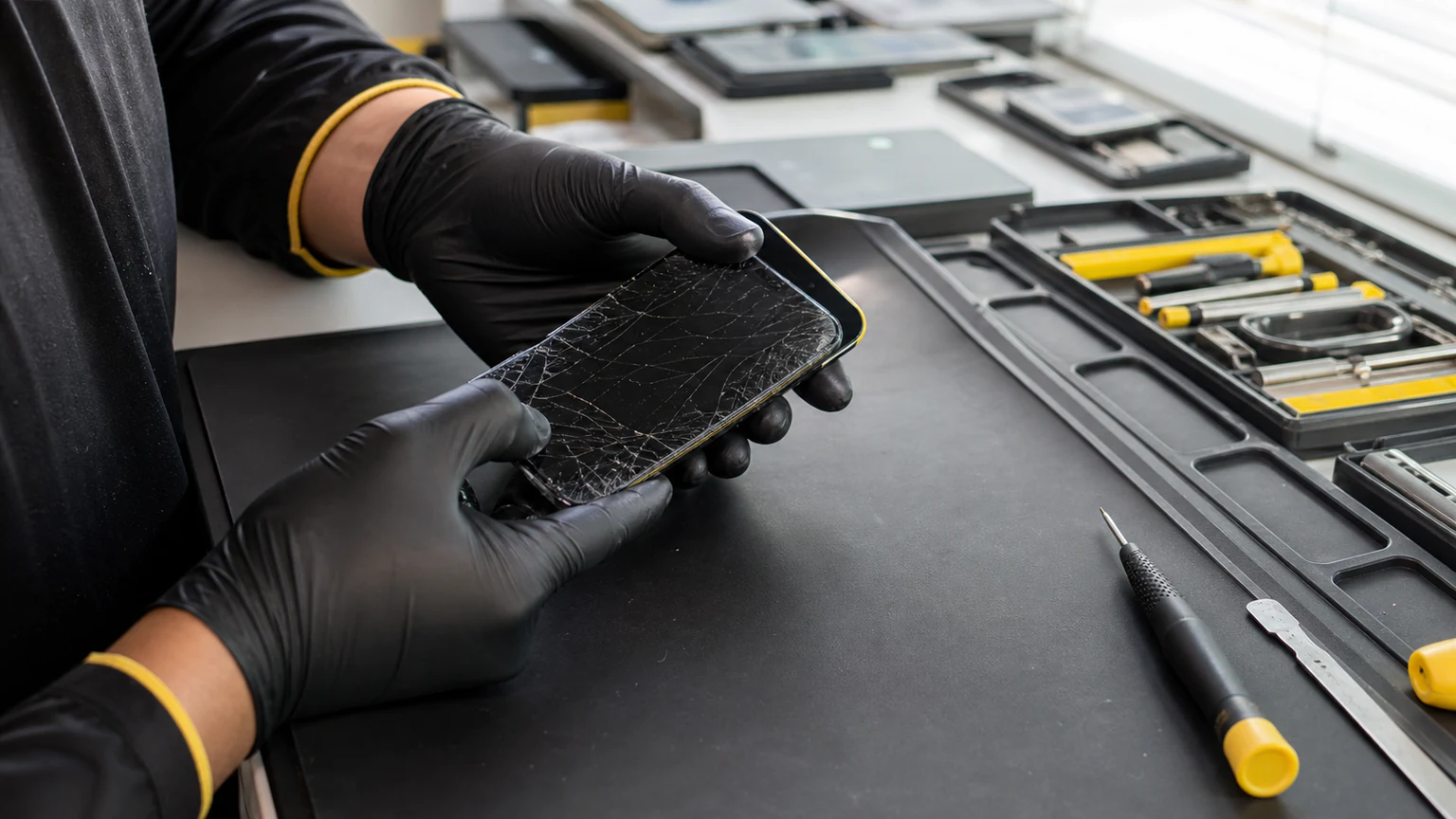
Professional screen repair is one of the most common phone fixes, and for most models it is quick. A technician removes the damaged glass and display assembly, transfers or reseals the components, installs a new screen, and tests touch, brightness, cameras, and sensors before handing it back. Many repairs are done the same day when parts are in stock, and a typical screen swap takes about 30 to 60 minutes depending on the model.
Cost depends on your phone. Screen repair starts from $50, depending on model, with newer flagships and premium OLED panels costing more than older or budget devices. At URPhone Store you get a free quote before any work begins, so you know the price up front, and every repair is backed by a 1-year warranty on parts and labor (does not cover new accidental or liquid damage after the repair).
We repair screens on all major brands, including Apple, Samsung, Google Pixel, OnePlus, Motorola, and more. For device-specific help, start with our phone screen repair service, or go straight to iPhone repair in Orlando or Samsung phone repair. If you are weighing the repair bill against the age of your phone, our guide on whether it is cheaper to fix a phone or replace it can help you decide.
Ready to get it fixed? Call (321) 300-2023 or book a repair online. Our three Orlando locations (MetroWest, SODO, and International Drive) are open Mon-Sat 9 AM-9 PM and Sun 10 AM-9 PM.
How to prevent future cracks
Once your screen is whole again, a few habits go a long way toward keeping it that way:
- Use a quality tempered glass protector. It absorbs impact and usually takes the crack instead of your actual screen. Cheap, thin protectors do not offer the same defense.
- Put it in a shock-absorbent case. A case with raised edges and cushioned corners is the single best protection against drop damage, especially if you drop your phone often.
- Keep it out of back pockets. Sitting down on a phone, or bending it against a tight pocket, is a leading cause of cracked and lifted screens.
- Avoid edges and heat. Do not leave the phone perched on a chair arm or car roof, and keep it out of direct sun or hot, enclosed spaces, since heat helps existing micro-cracks spread.