Samsung ghost touch - when your Galaxy taps, swipes, opens apps, or types on its own - is almost always one of two things: a software or environmental glitch you can often fix at home, or a failing digitizer (the touch-sensing layer under the glass) that needs a screen repair. The fastest way to solve it is to figure out which camp you are in before you spend a cent.
Below, we explain what ghost touch is, what causes it, a quick software-versus-hardware triage, the fixes you can try at home right now, and when a professional Samsung screen repair in Orlando is the smarter call.
What is Samsung ghost touch?
Ghost touch (also called auto touch or phantom touch) is when your Samsung registers input that you never made. Common signs include:
- Apps opening or closing on their own
- Text typing itself, or messages sending without you
- The screen scrolling, zooming, or selecting at random
- Buttons highlighting as if an invisible finger is pressing them
- Dead spots where real taps do not register, mixed with phantom taps
A little of this now and then can be harmless static or a smudge. Constant, worsening phantom input is a real fault worth diagnosing before it makes the phone unusable.
What causes Samsung ghost touch?
Auto touch problems fall into two buckets. Knowing the bucket saves you from wasting time on fixes that cannot work.
Software and environmental causes (often DIY-fixable):
- A buggy app or a failed or pending software update
- A dirty, greasy, or wet screen sending false signals
- A cheap or damaged charger feeding electrical "noise" into the touch layer
- A poor-quality screen protector or tempered glass
- Heat or heavy static buildup
Hardware causes (usually need repair):
- A cracked screen or damaged digitizer, even from a hairline crack
- Liquid or moisture that reached the display
- A loose or damaged display connector after a drop
- A worn-out AMOLED panel on an older device
Software or hardware? A 2-minute triage
Run these three quick tests before anything else. They tell you which bucket you are in.
- The charger test. Ghost touch only while charging? Unplug and use the phone. If the phantom taps stop, your charger or cable is the culprit - switch to an official Samsung charger. Cheap adapters are a very common trigger.
- The screen protector test. Peel off the protector and case, clean the screen, and use the phone bare for a while. If the taps stop, a bad protector or a case pressing the edges was the problem.
- The Safe Mode test. Boot into Safe Mode (steps below). Safe Mode disables every app you installed. If ghost touch disappears in Safe Mode, a third-party app is to blame, not your hardware.
If all three tests come back clean and the phantom touches continue - especially after a drop or a spill - you are most likely looking at a hardware fault in the screen or digitizer.
Quick fixes you can try at home
Work through these in order, from easiest to most involved. Most software-based ghost touch is solved before you reach the bottom of the list.
1. Clean the screen properly
Wipe the display with a dry microfiber cloth to remove oil, grime, and moisture, which can all create false touch signals. Skip harsh chemical cleaners; a barely damp cloth, then dried, is enough.
2. Remove the screen protector and case
Poor-quality tempered glass and thick cases that press on the screen edges are two of the most common ghost-touch triggers. Take them off and test the phone bare for a few minutes.
3. Check the charger and cable
Unplug the phone. If the ghost touch stops, the charger is feeding noise into the screen. Swap to a genuine Samsung or quality-certified charger and cable, and avoid using the phone while it is on a cheap adapter.
4. Restart, then test in Safe Mode
Restart the phone first; it clears temporary glitches. If that does not help, boot into Safe Mode: press and hold the power button, then touch and hold "Power off," then tap the "Safe mode" icon. If ghost touch stops in Safe Mode, uninstall recently added apps one at a time until you find the offender.
5. Install the latest software update
Go to Settings > Software update > Download and install. Samsung regularly ships patches that fix touch-related bugs, so an outdated build can be the whole problem.
6. Turn off Touch sensitivity
If you recently added a screen protector, the Settings > Display > Touch sensitivity option can overcorrect and cause phantom input. Try toggling it off (or on) to see which state is stable for your phone.
7. Wipe the cache partition
Corrupted system cache can cause erratic touch. Power off, boot into recovery mode (the button combination varies by Galaxy model), and choose "Wipe cache partition." This clears temporary system files without erasing your personal data.
8. Back up and factory reset (last software resort)
If nothing above works and the triage still points to software, back up your data and run a factory reset from Settings > General management > Reset. If ghost touch survives a clean factory reset, the cause is hardware, and no amount of resetting will fix it.
When it is hardware: signs you need a screen repair
If the triage and the home fixes do not stop the phantom touches, the fault is almost certainly physical. Tell-tale signs of a hardware problem include:
- Ghost touch that started right after a drop
- Dead zones (areas that ignore real taps) mixed with random phantom taps
- Cracks, even hairline ones, in the glass
- Flickering, discoloration, or lines on the display
- Ghost touch that appeared after the phone got wet
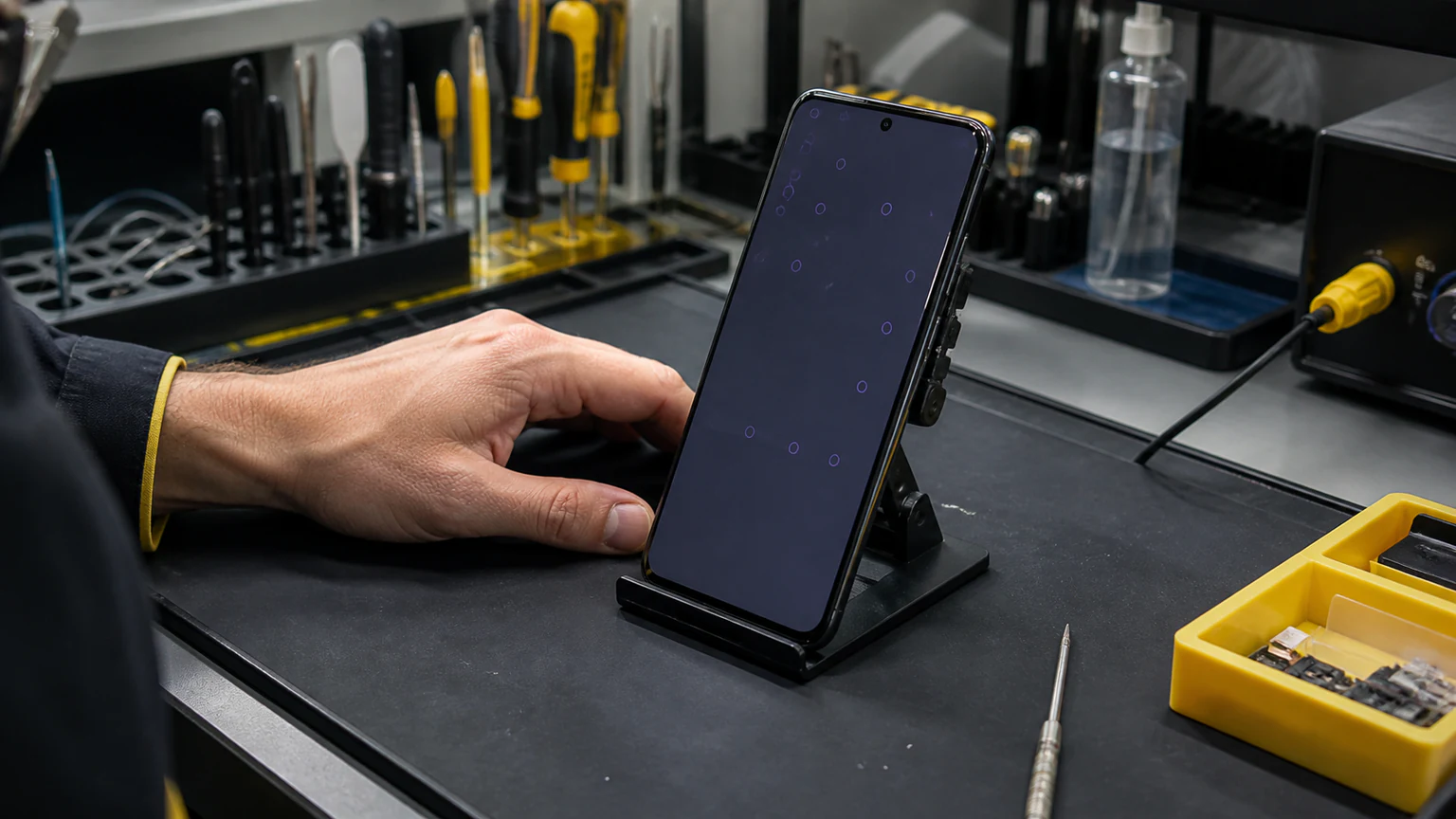
At that point, a professional screen or digitizer replacement is usually the only permanent fix.
Digitizer or display: what actually gets replaced
On modern Samsung Galaxy phones, the touch digitizer is fused to the AMOLED display as a single sealed assembly. That is why a touch-only fault normally cannot be solved by swapping a small, cheap part - the digitizer and the screen come as one unit, so a genuine hardware repair means replacing the screen assembly and recalibrating it.
Trying to live with ghost touch is not just annoying; it can lead to accidental calls and messages, unwanted app purchases, faster battery drain, and added wear on the phone over time. A trained technician can confirm whether the issue is the screen, the display connector, or an internal board fault, and fix it correctly the first time.
Samsung screen repair in Orlando
If your Galaxy needs a professional fix, URPhone Store's Samsung phone repair handles ghost touch, unresponsive screens, and full phone screen repair across our three Orlando locations. Screen and digitizer replacement starts from $50, depending on your model, and every repair is backed by a 1-year warranty on parts and labor (this does not cover new accidental or liquid damage after the repair).
We offer a free diagnostic and quote on touch and screen issues, and same-day service when parts are in stock. If the ghost touch traces back to a spill, that is handled as water damage repair, which carries a $60 diagnostic that is credited toward the repair if you proceed.
Not sure whether it is really the touch layer? A blank or unlit display points to a different fault - see our guide on why a Samsung screen goes black or blank.
Ready to get it fixed? Call (321) 300-2023 or book a repair online.
How to prevent Samsung ghost touch
- Use a quality, correctly sized screen protector, or none at all
- Charge with genuine or certified chargers and cables
- Keep your software up to date
- Avoid leaving the phone in heat or humidity
- Fix small cracks early, before they spread into the touch layer