A Samsung screen that suddenly goes black or blank almost always comes down to one of two things: a software freeze that stops the display from drawing while the phone keeps running, or a hardware fault in the AMOLED panel, its connector, the battery, or the board. The reassuring part is that many black-screen cases are software-related and clear with a forced restart, which takes seconds and risks nothing. This guide shows how to tell a fixable freeze from real display damage, gives the restart steps for your Galaxy series, and covers the home fixes worth trying first.
The fastest first test is a forced restart: hold the Side (Power) button and Volume Down together for 7 to 10 seconds. If the Samsung logo appears, it was a software crash; if nothing happens after a few tries, the cause is more likely physical.
Black screen vs. blank screen: what the difference tells you
"Black" and "blank" sound the same, but the distinction is the single most useful clue you have.
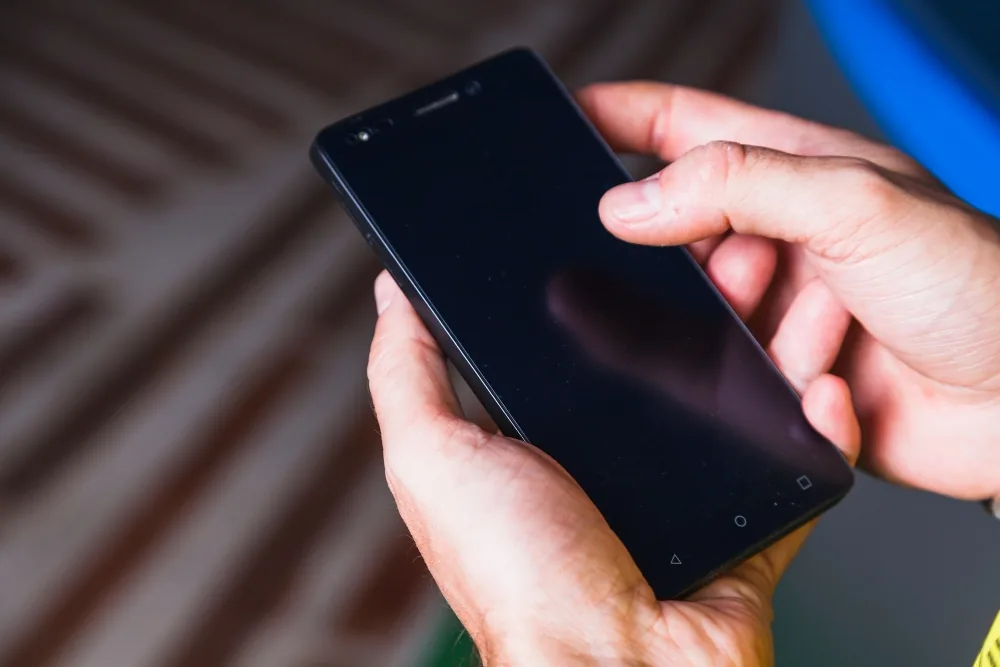
- A dark, unlit screen while the phone is clearly still on - you hear notification sounds, feel vibration, or a caller can reach you - means the phone is running but the display is not lighting up. This points to a software freeze, a backlight issue, or a loose display connector, not a broken panel.
- A screen that is lit but shows nothing - a faint gray or white glow with no interface - means the display is getting power but no usable image. This usually points to the AMOLED panel or its connector.
- A completely dead screen with no sound, no vibration, and no charging response suggests the phone is powered off - suspect the battery, the charging circuit, or the board.
Note which one you are seeing - it tells you whether to focus on software, the panel, or power.
Common reasons a Samsung screen goes black or blank
Physical screen or AMOLED panel damage
Drops, pocket pressure, or a sat-on phone are the most common reasons a Samsung display stops showing an image. AMOLED panels are thin and can fail even when the outer glass looks intact. Tell-tale signs are spreading black blotches, pink or green vertical lines, or a section that stays dark while the rest works.
How to fix it: Panel damage cannot be undone with a reset - the screen assembly has to be replaced. A professional Samsung phone screen repair swaps the panel for a matched part and restores full display and touch.
Loose or damaged display connector
The screen attaches to the board through a small ribbon connector. A hard knock can pop it loose, making the display go black, flicker, or cut in and out even though nothing looks broken outside.
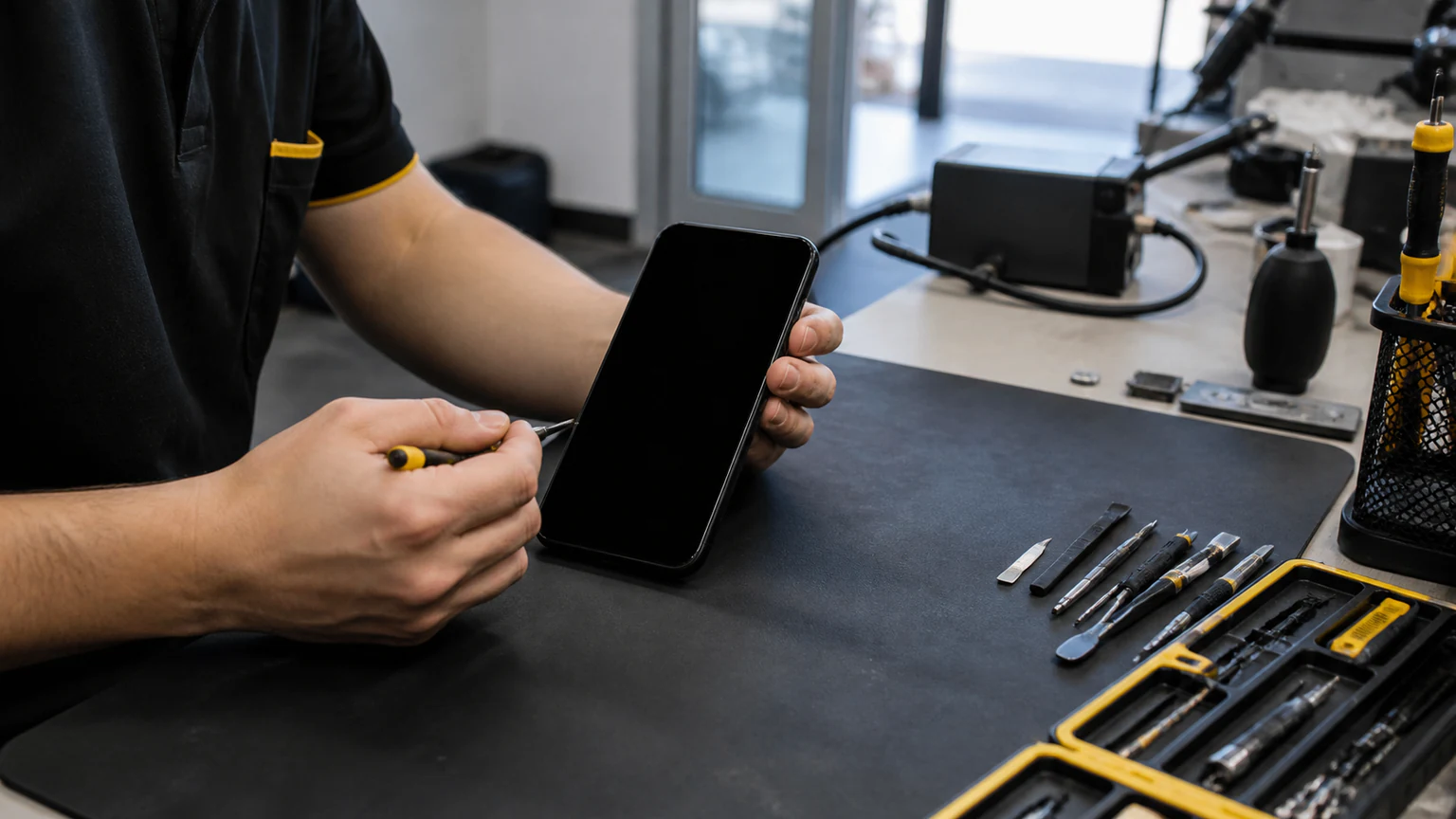
How to fix it: This is an internal repair. A technician opens the device and reseats or replaces the connector - often a smaller job than a full panel swap, which is why a hands-on diagnosis beats guessing.
Software crash or failed update
A frozen app, a corrupted system file, or an update interrupted partway can lock the display while the phone stays powered on. This is the most common cause you can clear yourself.
How to fix it: Force restart the phone (steps by series below). If it recurs, try safe mode and a cache-partition wipe, with a factory reset as the last software step before hardware is suspected.
Battery or power fault
If the battery is depleted, aging, or a charging component has failed, the screen may not get enough power to turn on even though the phone seems otherwise fine.
How to fix it: Charge for 20 to 30 minutes with a known-good cable and adapter, then try the forced restart. A battery that is swollen, drains in minutes, or only runs while plugged in needs replacement.
Water or moisture damage
Moisture from a spill, rain, humidity, or a damp pocket can short the display circuits and turn the screen black - sometimes right away, sometimes days later as corrosion sets in.
How to fix it: Power the phone off and leave it off. Do not charge it, and do not use heat or rice to dry it - both do more harm than good. Water damage needs professional cleaning to stop corrosion, so get it to a shop quickly.
Overheating or internal hardware failure
Heavy use, direct sun, or a failing component can trigger a thermal shutdown or a hardware fault, either of which can leave the screen dark.
How to fix it: Let the phone cool in the shade for 15 to 20 minutes, then restart. If the screen stays black at room temperature, an internal fault is likely and needs a bench diagnosis.
How to force restart a Samsung phone with a black screen
A forced restart cuts power and reloads the system without erasing anything. The right method depends on your Galaxy series:
- Galaxy S6 through the newest S and Z series, plus Note and most A-series (non-removable battery): hold the Side/Power button and Volume Down together for 7 to 10 seconds, releasing when the phone vibrates or the Samsung logo appears. Galaxy Z Fold and Z Flip models use the same combination.
- Older Galaxy S5 and earlier, and older J-series (removable battery): pop off the back cover, remove the battery for about 10 seconds, reinsert it, and power on.
- If the buttons do nothing: charge the phone for 20 to 30 minutes on a known-good charger, then repeat the hold. A fully drained battery can mimic a dead screen.
If the logo appears, your screen and board are fine and the problem was software. If several attempts change nothing, move on to the panel-versus-power checks below.
Step-by-step fixes to try at home
Work through these in order and stop as soon as the screen comes back.
- Force restart using the steps for your series above - this clears most software freezes.
- Charge and retry. Give the phone 30 minutes on a wall charger, then force restart again.
- Remove the SD card and SIM. A faulty microSD card can hang the boot; power off, take it out, and restart.
- Boot into safe mode. If the screen behaves without third-party apps loaded, a downloaded app is the culprit - uninstall recent ones.
- Wipe the cache partition from recovery mode to clear corrupted system files without deleting your data.
- Clean the charging port. Lint can block a solid charge; use a wooden or plastic pick and gentle air, never metal.
- Let a stuck battery drain, then recharge - if the buttons do nothing, a full drain can force a reset when you plug back in.
- Factory reset (last resort) from recovery mode clears deep software faults, but it erases your data - use it only if nothing above works.
If you reach the end of this list and the screen is still black or blank, the cause is almost certainly hardware - and the next section helps you tell which part.
Is it the AMOLED panel, the battery, or the board?
When software fixes fail, three parts are the usual suspects. Matching your symptoms to one saves time and money at the repair counter.
- Likely the AMOLED panel or its connector if: the phone clearly powers on (you hear sounds, feel vibration, a caller connects) but the screen shows nothing, a solid color, spreading black blotches, or colored lines. Fixed with a screen assembly replacement.
- Likely the battery or charging circuit if: the phone shows no life at all - no vibration, no boot logo, no charging light - or it only stays on while plugged in, dies within minutes, or the battery looks swollen. Fixed with a battery or charging-port replacement.
- Likely the board (logic board) if: the screen and battery both test fine but the phone still will not display, especially after liquid exposure or a heavy drop, or it boot-loops on the logo. This needs a technician with micro-soldering tools.
A related but separate symptom is a screen that lights up and then taps or swipes on its own after the black-screen episode. That is a different fault - see our guide to Samsung ghost touch for that fix.
When to get professional Samsung repair in Orlando
If the screen stays black after the home fixes above, repeated DIY attempts can turn a simple connector reseat into a full panel replacement. Professional Samsung phone repair starts with a diagnosis: our technicians test power and display faults for free (water damage is the one exception, covered in the FAQ below), tell you whether it is the panel, battery, or board, and quote the fix before any work begins. A Samsung screen replacement or battery swap is typically same-day when parts are in stock, and every repair is backed by a 1-year warranty on parts and labor (which does not cover new accidental or liquid damage after the repair).
We are a 4.9-star rated shop across our three Orlando locations, open Monday through Saturday 9 AM to 9 PM and Sunday 10 AM to 9 PM. Call (321) 300-2023 to describe the symptoms, or book a repair online and bring the phone in.