The honest answer is that a handful of iPhone fixes are genuinely DIY-friendly, but the repairs people actually need most, cracked screens, tired batteries, dead charging ports, and water damage, are the ones where doing it yourself most often costs more than it saves. A DIY screen or battery kit looks cheap next to a professional repair, yet one slipped cable or punctured battery can turn a small problem into a replacement. This guide is a straight breakdown of what you can safely handle at home, what you should not touch, the real risks, and the cost-and-warranty trade-off, so you can decide before you pick up a screwdriver.
At URPhone Store, we run three phone repair locations in Orlando, and "should I just fix it myself?" is a question we get every week. Here is how we would talk you through it.
The short answer: what's DIY-able and what isn't
Most iPhone problems fall cleanly into one of two buckets.
- Reasonable to DIY: software glitches, a lint-clogged charging port, a SIM swap, a screen protector, a case, or a backup before service. These need no soldering, no prying, and carry almost no risk.
- Better left to a pro: screen replacement, battery replacement, charging-port repair, back glass, and anything water-related. These involve laminated glass, glued-in lithium batteries, board-level connectors, and features like Face ID and True Tone that are paired to your specific phone.
If the repair you are facing is in the second bucket and the phone still has value or you rely on it daily, professional iPhone repair in Orlando is almost always the cheaper path once the odds of a costly mistake are counted in. The sections below explain why.
What you can realistically fix yourself
Plenty of "my iPhone is acting up" moments are not hardware failures at all, and these are worth trying before you spend a cent.
- Software issues. A frozen, laggy, or glitchy phone often just needs a restart, an iOS update, an app cleared, or storage freed up. A factory reset (after a backup) resolves many stubborn issues. No tools, no risk.
- A charging port that seems dead. Before assuming the port is broken, power the phone off and gently clear packed lint with a wooden or plastic toothpick, never a metal pin. A surprising number of "won't charge" cases are just a clogged port.
- Accessories and setup. Swapping a SIM, applying a tempered-glass screen protector, fitting a case, or restoring from a backup are all safe, no-tool jobs.
- Backing up first. The single most useful DIY step before any repair, yours or ours, is a full iCloud or computer backup so your photos and data are safe no matter what happens next.
The pattern here is simple: maintenance and settings are fair game. Opening the phone is where the risk starts.
What you should not DIY on an iPhone
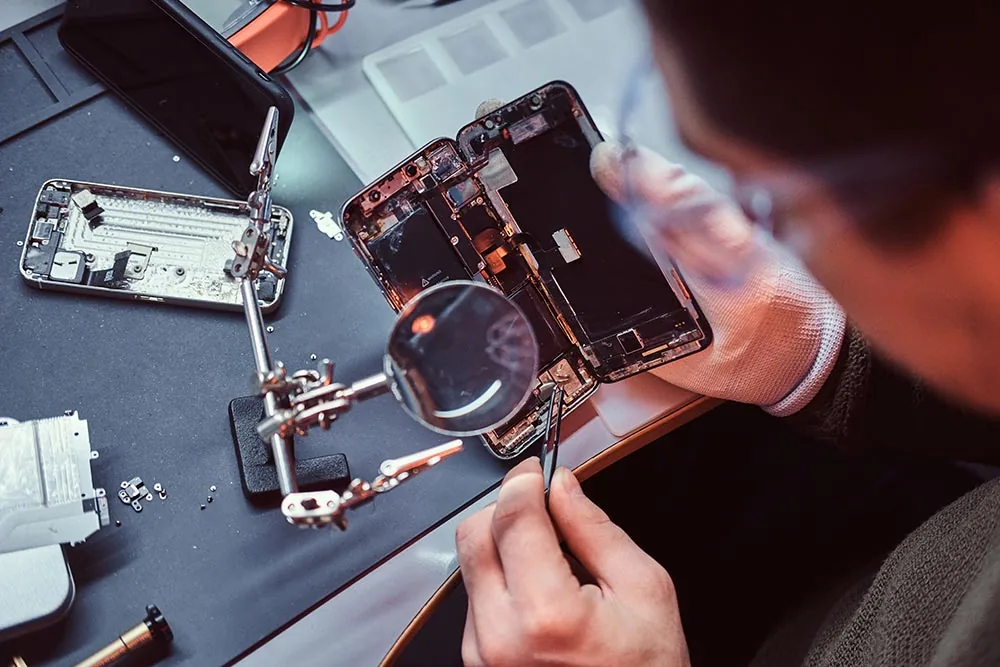
Apple builds iPhones to be thin, sealed, and water-resistant, which makes them genuinely hard to service without the right tools, parts, and training. These are the repairs where DIY goes wrong most often.
- Screen replacement. The glass, digitizer, and OLED panel are fused into one laminated unit, sealed with adhesive that also provides water resistance. The Face ID components and the True Tone data are tied to your specific phone, so a swapped screen can lose Face ID, lose True Tone, or develop dead zones and ghost touch if a connector is nicked. This is why phone screen repair and full iPhone repair in Orlando are done with calibrated tools rather than a kit. A crack is also more than cosmetic; here is why you should not ignore a cracked screen.
- Battery replacement. iPhone batteries are lithium-ion, glued down with strong adhesive strips that snap easily. A punctured or bent battery can leak, smoke, or catch fire, and iOS may flag a non-genuine cell and disable the battery-health readout. A professional battery replacement handles the adhesive and pairing safely.
- Charging-port repair. On many models the port is soldered to the logic board, so a real fix means microsoldering, not a snap-in part. This is not a kitchen-table job.
- Back glass. The rear glass is laminated to the frame and often removed with heat or a laser. DIY attempts tend to shatter it further and can disturb the MagSafe magnets and wireless charging coil.
- Water damage. Liquid corrosion is hidden and progressive, spreading through the board even after the phone seems fine. It needs the board opened and cleaned, which is why professional water damage repair begins with a $60 diagnostic that is credited toward the repair if you proceed, with parts quoted after inspection. Water is the one service that is never a free diagnostic, because it takes hands-on inspection to see what the liquid actually touched.
The real risks of DIY iPhone repair
The appeal of DIY is the upfront saving. The problem is what can go wrong on a device this tightly packed.
- Turning a small problem into a big one. The most common outcome of a botched repair is not "no change," it is a bigger bill. A slipped tool or a cracked connector can damage the logic board and turn an affordable fix into a replacement.
- Losing Face ID, True Tone, or auto-brightness. These features rely on components and calibration matched to your phone. Generic parts and uncalibrated swaps routinely break them for good.
- Ruining water resistance. That factory seal is single-use. Once you open the phone without re-sealing it properly, the rating is gone, and the next spill does far more damage.
- Voiding coverage. Unauthorized work can void your remaining Apple warranty or AppleCare, and many insurance and protection plans will not cover a phone that has been opened or tampered with.
- Safety. A damaged lithium battery is a genuine fire hazard, which is the one risk that turns a repair mistake into a household danger.
- A fix that never finds the real fault. Swapping a part you guessed at can mask a deeper issue, so the phone fails again a week later. Diagnosing the actual cause first is part of what you pay a professional for.
The part-quality problem most DIY kits skip
Where a replacement part comes from matters as much as who installs it, and this is where cheap kits quietly let you down. iPhone displays and batteries come in tiers: genuine Apple parts, high-grade aftermarket, and low-cost or harvested parts of unknown history. Budget kits almost always ship the cheapest tier, which is why a DIY screen can look dimmer, wash out in sunlight, or feel less responsive to touch, and why a bargain battery can drain faster and age early.
Apple also serializes some components, so even a functioning part can trigger a "genuine part" warning or disable a feature until it is paired with the right tools. A reputable shop sources quality parts, pairs them correctly, and stands behind them, which is the difference between a repair that lasts and one that simply becomes your next problem.
The cost and warranty trade-off
On paper, DIY wins on price. In practice, the gap narrows fast once you add up everything a kit does not include.
- What a DIY kit really costs. Screen or battery kits run roughly $20 to $100 depending on the model, but many ship with low-grade parts that leave you a dimmer screen, a weaker battery, or lost water resistance. Add the tools you may not own, the time it takes, and the chance of a mistake, and the "savings" shrink.
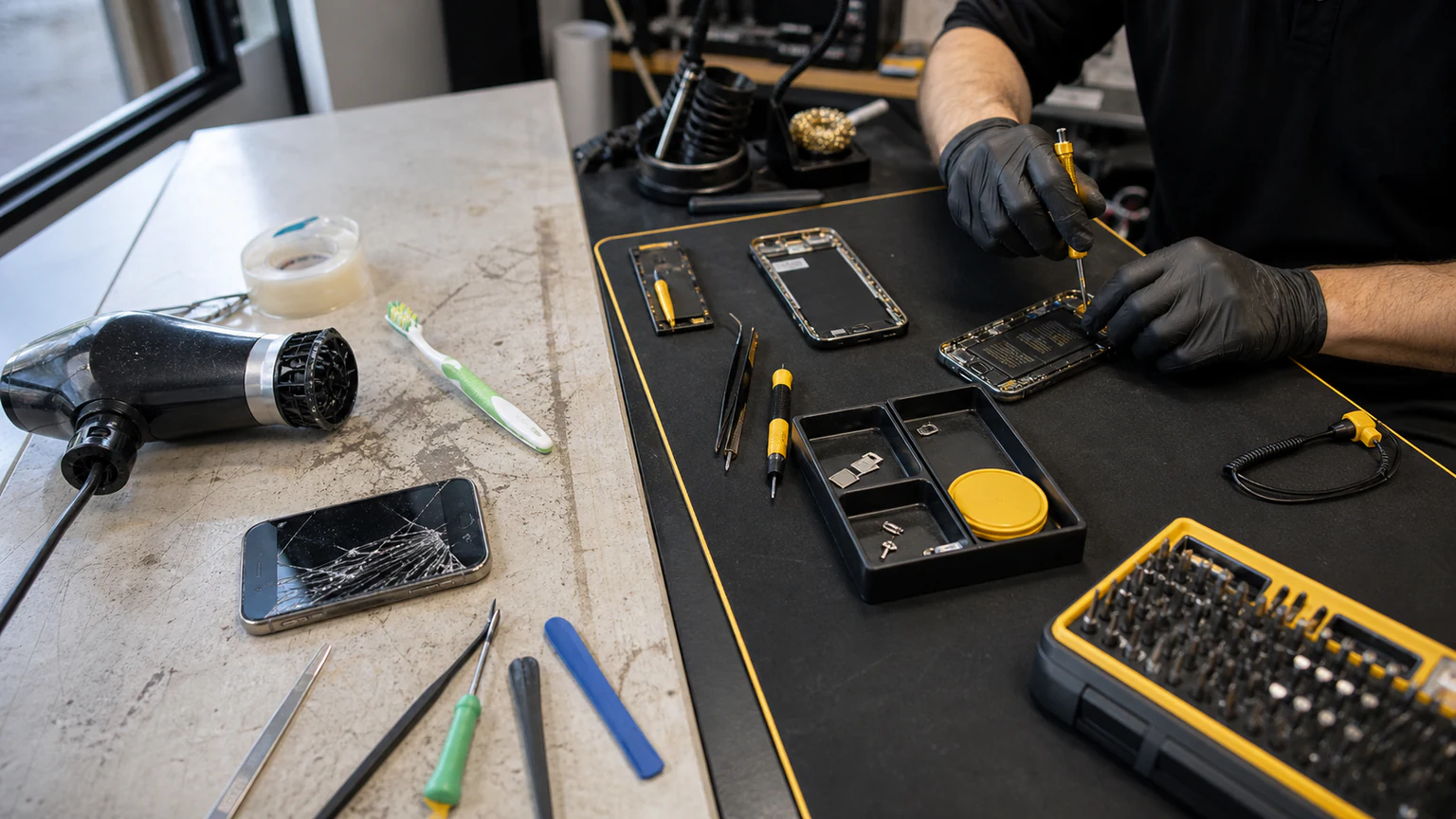
- What professional repair includes. At URPhone Store, common iPhone repairs start from $50 for a screen and from $40 for a battery, depending on model, and every qualifying repair is backed by a 1-year warranty on parts and labor (does not cover new accidental or liquid damage after the repair). Most screen, battery, and port repairs are same-day when parts are in stock. That warranty is the part a DIY attempt can never match: if something is not right, it is covered.
- The hidden math. The real comparison is not kit price versus shop price. It is kit price plus the risk of a much larger repair, versus a fixed, warrantied quote. If the deeper question for you is whether to fix the phone at all or replace it, our guide on whether it is cheaper to fix a phone or replace it walks through repair cost versus device value and age.
How to decide: a quick self-check
Run through these five questions honestly before you open your phone.
- Do you have the skill and patience? Have you worked with tiny electronics before, comfortably, without rushing? iPhone internals are unforgiving.
- Do you have the right tools and a genuine-quality part? A pentalobe driver, suction cup, spudger, and heat source are the minimum, and a cheap part undercuts the whole job.
- How much is the phone worth, and is it still supported? On a newer iPhone that still gets iOS updates, protect its value with a professional repair. A very old phone you are ready to retire is the only place a DIY gamble makes sense.
- How complex is the fault? A software reset is one thing; a screen, battery, board, or water repair is another entirely.
- Do you rely on this phone? If it is your camera, wallet, and work device, the downtime and risk of a failed DIY attempt cost more than the repair.
| iPhone repair | DIY difficulty | Our recommendation |
|---|---|---|
| Software reset, port cleaning, accessories | Low | Do it yourself |
| Screen replacement | High | Professional |
| Battery replacement | High | Professional |
| Charging-port repair | Very high | Professional |
| Back glass | Very high | Professional |
| Water damage | Expert only | Professional |
If most of your honest answers point toward "leave it to a pro," that is the signal to book a repair rather than risk the phone.
When to bring your iPhone to a pro in Orlando
You do not have to gamble with a device you depend on. At URPhone Store, we start with a free diagnostic (water damage is the one exception, at $60 credited toward the repair) and give you an upfront, model-specific quote before any work begins.
- Experienced, careful technicians who do these repairs every day, with the tools and quality parts to protect Face ID, True Tone, and water resistance.
- Transparent, model-dependent pricing starting from $50 for common repairs, so there are no surprises.
- Same-day service when parts are in stock for most screen, battery, and port repairs, so you are not left without your phone.
- 1-year warranty on parts and labor (does not cover new accidental or liquid damage after the repair) on qualifying repairs.
- Most major brands serviced, including Apple, Samsung, Google Pixel, OnePlus, LG, and Motorola, with financing through Acima and insurance accepted.
We are open Mon-Sat 9 AM to 9 PM and Sun 10 AM to 9 PM across all three Orlando locations. If your iPhone needs more than a software reset, skip the risk and get it done right through iPhone repair in Orlando. Call (321) 300-2023 with questions, or book a visit online and we will have a quote ready when you arrive.