
Common Reasons a Samsung Screen Goes Black or Blank — and How to Fix It
A black or blank Samsung screen can happen suddenly and without warning. While the phone may still be powered on, the display fails to respond or show any visuals. Understanding the root cause is the first step toward the right solution.
Physical Screen Damage
Accidental drops, pressure on the screen, or internal cracks are the most common reasons a Samsung display stops working. Even if the glass appears intact, the AMOLED panel underneath may be damaged.
How to solve it: Physical display damage cannot be fixed with software resets. Professional Samsung phone screen repair is required to replace the damaged screen safely and restore full display functionality.
Loose or Damaged Display Connectors
A sudden impact can loosen internal screen connectors, causing the display to go completely black or flicker intermittently.
How to solve it: This issue requires a technician to open the device and reseat or replace the internal connectors. A certified Samsung screen repair in Orlando, FL service can diagnose and fix this problem without risking further damage.
Software Crashes or Failed Updates
System crashes, corrupted apps, or interrupted software updates can cause the screen to freeze or go blank while the phone remains powered on.
How to solve it: Force restart the device by holding the power and volume-down buttons. If the issue persists, booting into safe mode or performing a factory reset may help. If software recovery fails, professional diagnosis is recommended.
Battery or Power-Related Issues
A weak battery or faulty charging component may prevent the screen from receiving enough power to turn on properly.
How to solve it: Charge the phone using a different cable and adapter. If the screen still doesn’t respond, a technician can test the battery and power components to determine if replacement is necessary.
Water or Moisture Damage
Exposure to moisture, even from humidity or minor spills, can damage internal display circuits and cause the screen to go black.
How to solve it: Power off the phone immediately and avoid charging it. Do not use heat to dry the device. Professional inspection and cleaning are required to prevent corrosion and restore screen functionality.
Overheating or Internal Hardware Failure
Excessive heat or aging internal components can interfere with screen performance, leading to display failure.
How to solve it: Allow the device to cool down and avoid heavy usage. If the screen remains blank, internal hardware repair or screen replacement is often the only reliable solution.
Easy Ways to fix this issue
Remove SD Card

Soft Reset your Phone
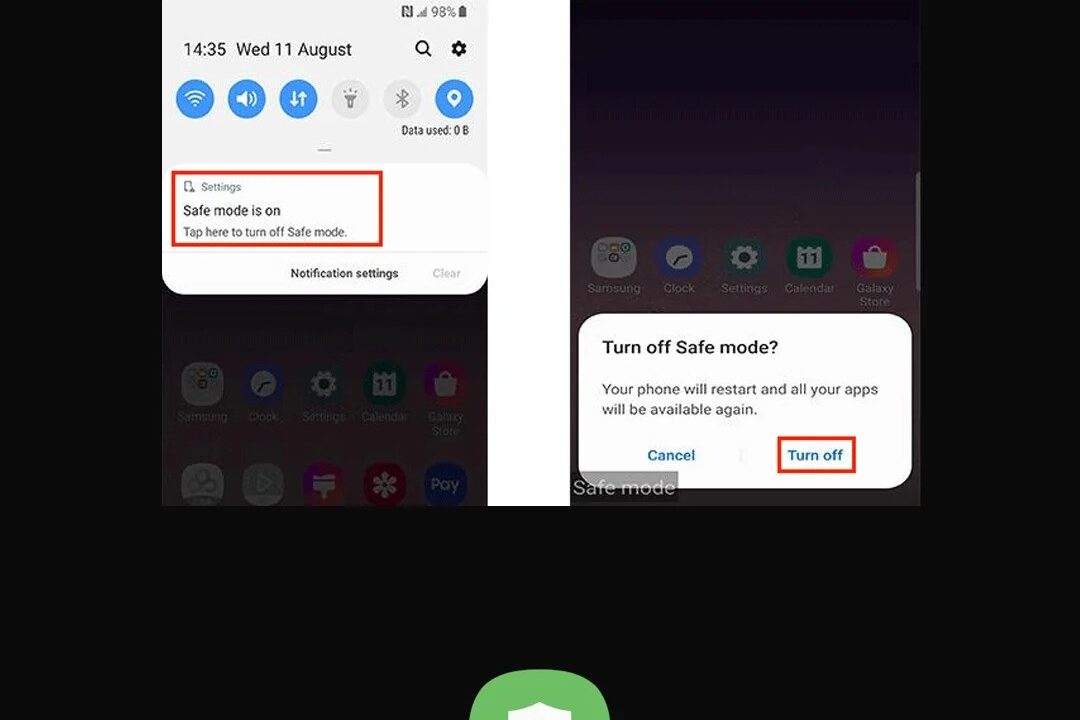
Enter safe mode
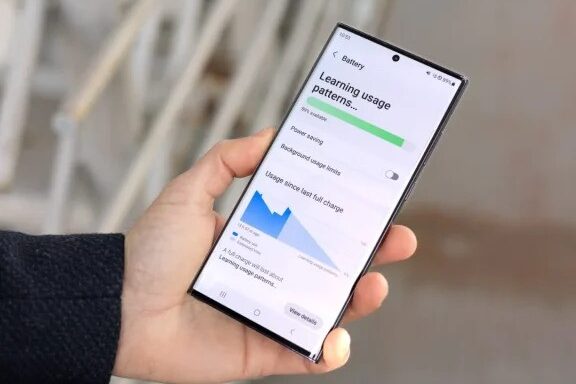
Wait untill the battery is Draining
Remove cache
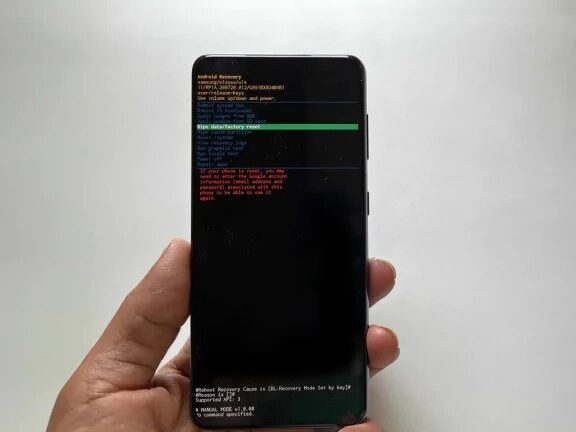
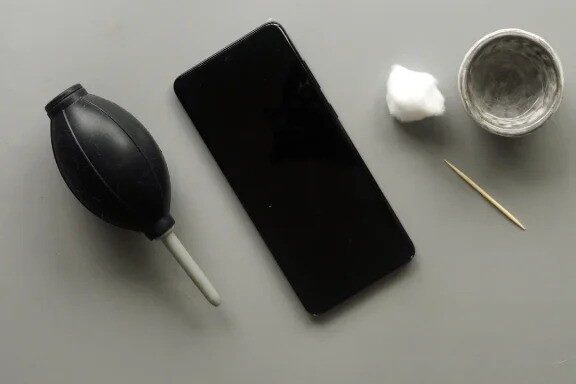
Clean the charging port
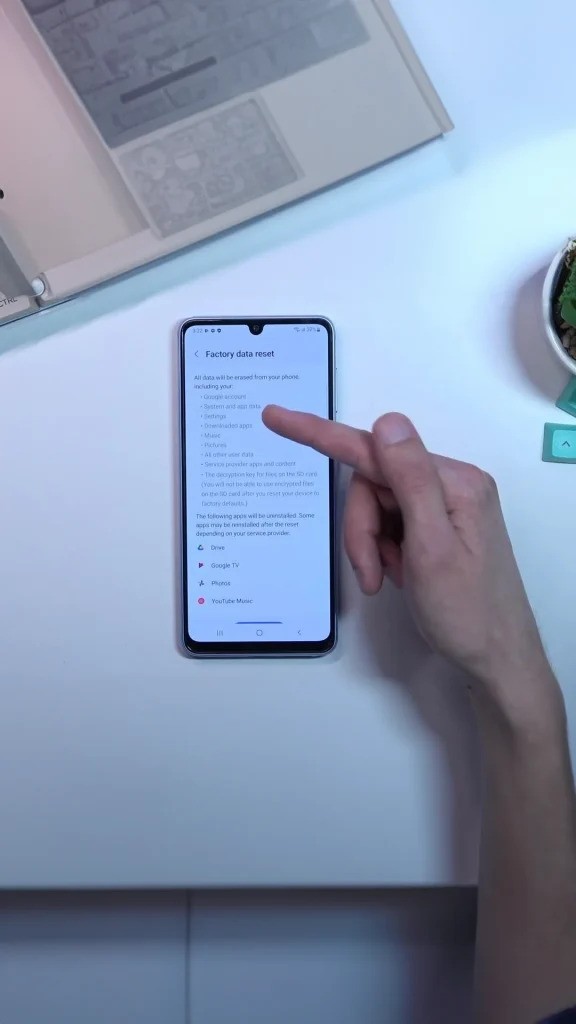
Factory Reset
When Professional Repair Is the Best Option
If your Samsung phone shows signs of life but the screen stays black, attempting repeated DIY fixes may cause more damage. Choosing expert Samsung screen repair in Orlando, FL ensures accurate diagnosis, proper parts, and a long-lasting fix.




Add comment