
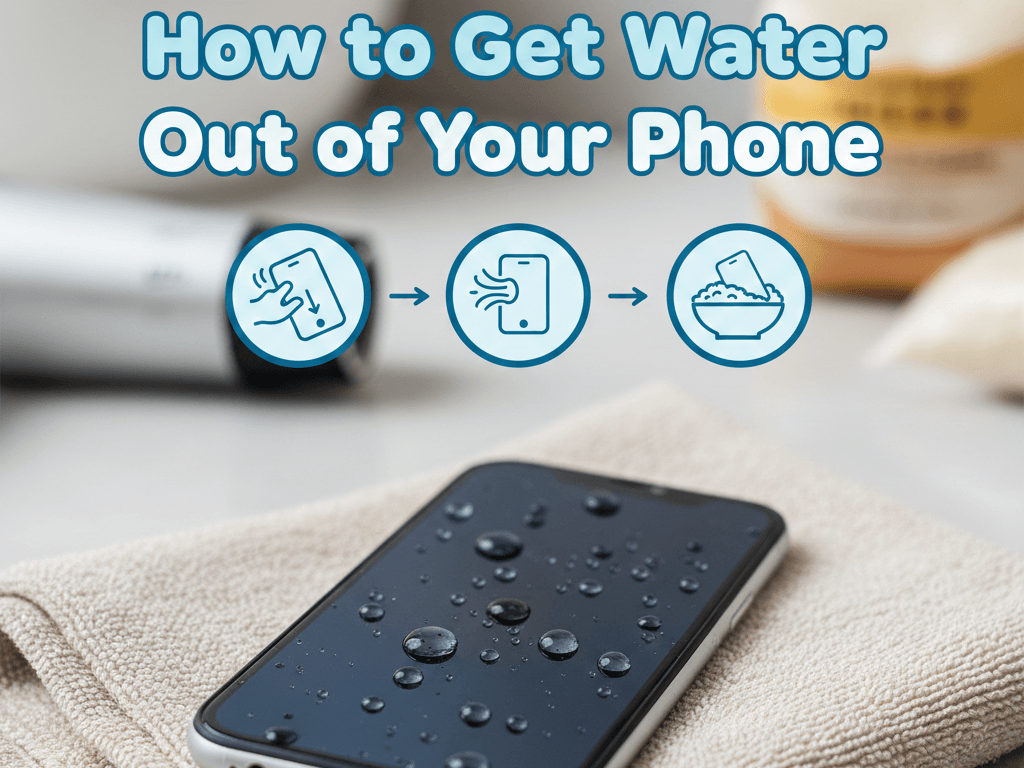
How to Get Water Out of Your Phone: Complete Step-by-Step Guide
Accidentally dropping your phone in water is one of the most stressful tech moments anyone can experience. Whether it slipped into a pool, sink, toilet, or got soaked in the rain, acting fast can save your device. If you’re wondering how to get water out of your phone, this complete guide explains the best ways to get water out of your phone, what actually works, and what mistakes to avoid.
First Things First: What To Do Immediately
The moment your phone gets wet:
- Turn it off immediately. Do not try to see if it still works.
- Remove the case, SIM card, and memory card.
- Gently wipe the outside with a dry cloth or towel.
This step alone can prevent permanent damage.
How Do You Get Water Out Your Phone? (Step-by-Step)
Here is the best way to get water out of phone safely and effectively:
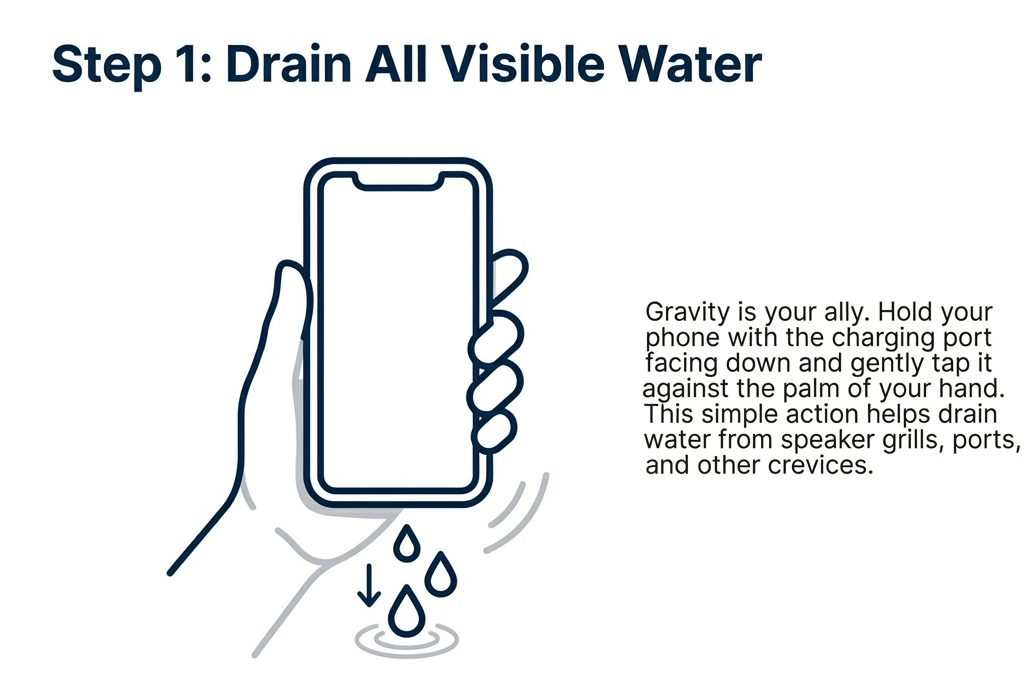
1. Drain the Water from Your Phone
To drain water from phone, hold it with the charging port facing down and gently tap it against your palm. This allows gravity to pull moisture out of the speaker grills, ports, and crevices.
This is one of the simplest but most effective ways to get liquid out of phone quickly.
2. Remove Water in Phone Using Airflow
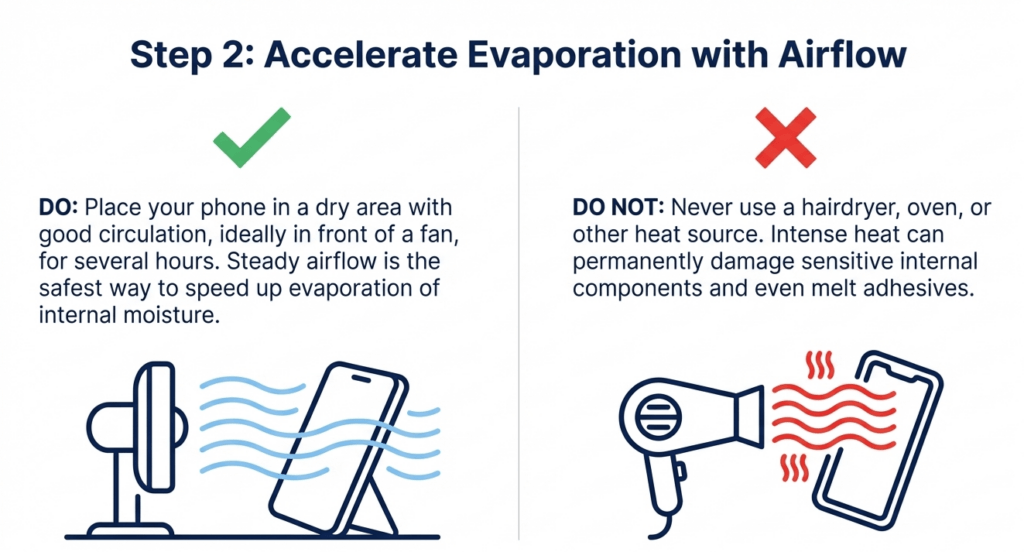
Place your phone in front of a fan for several hours. The steady airflow speeds up evaporation and helps remove water in phone components.
Do not use a hairdryer – heat can permanently damage internal parts.
3. Use Silica Gel (Better Than Rice)
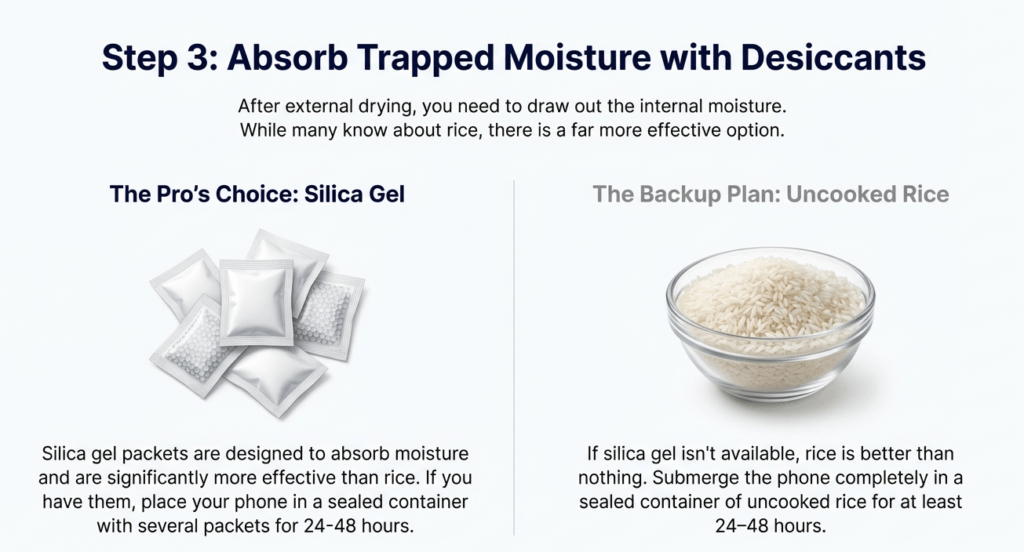
If you want the best ways to get water out of your phone, use silica gel packets. They absorb moisture far better than rice.
If silica gel isn’t available, uncooked rice can still help:
- Submerge the phone in a sealed container of rice for 24–48 hours.
This method helps get rid of water from phone internally.
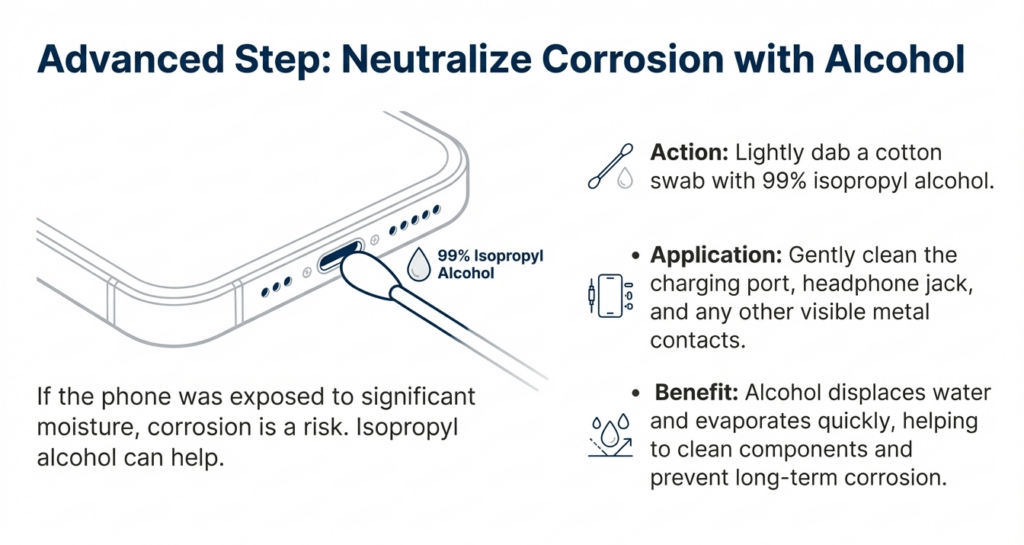
4. Clean Corrosion with Alcohol (Advanced)
For deeper moisture exposure:
- Lightly dab a cotton swab with 99% isopropyl alcohol
- Gently clean charging port and visible metal areas
Alcohol displaces water and evaporates fast, helping how to get liquid out of phone internally.
5. Wait Before Powering On
After following the steps above, wait at least 24 hours before turning your phone back on. Turning it on too early is the #1 cause of permanent damage.
What NOT to Do
Avoid these common mistakes when trying to get water out of your phone:
- Do not charge the phone while it’s wet
- Do not shake the phone aggressively
- Do not use a hair dryer or oven
- Do not power it on “just to check”
Signs Your Phone Still Has Water Inside
If you notice any of these, moisture is still present:
- Fog under the screen
- Muffled speaker sound
- Phone overheating
- Charging port not working
These are signs you need professional help.
When Home Methods Aren’t Enough
Sometimes water damage goes beyond DIY solutions. Internal corrosion can slowly destroy circuits even after the phone appears to work normally. If your phone isn’t functioning properly after drying, professional cleaning and repair is essential.
If you’re in Florida, many customers trust phone fix orlando for advanced water damage recovery and internal cleaning that restores devices most shops consider “dead.”
How to Prevent Water Damage in the Future
- Use waterproof cases
- Avoid using your phone near pools or sinks
- Keep moisture-absorbing packets in your bag
- Back up your data regularly
Final Thoughts: The Best Way to Get Water Out of Your Phone
To summarize the best way to get water out of phone:
- Power off immediately
- Drain visible water
- Use airflow and silica gel
- Allow proper drying time
- Seek professional help if needed
Following these steps gives your phone the highest chance of survival and helps completely get rid of water from phone components before damage becomes permanent.
Need Expert Help With Water Damage?
If your phone still shows problems after drying, professional cleaning and repair can often bring it back to life. Don’t risk losing your data or device.Trust the experts at URPhone Store.






Add comment